> ## Documentation Index
> Fetch the complete documentation index at: https://docs.attio.com/llms.txt
> Use this file to discover all available pages before exploring further.
#
> A component that wraps your form inputs and provides an `onSubmit` handler.
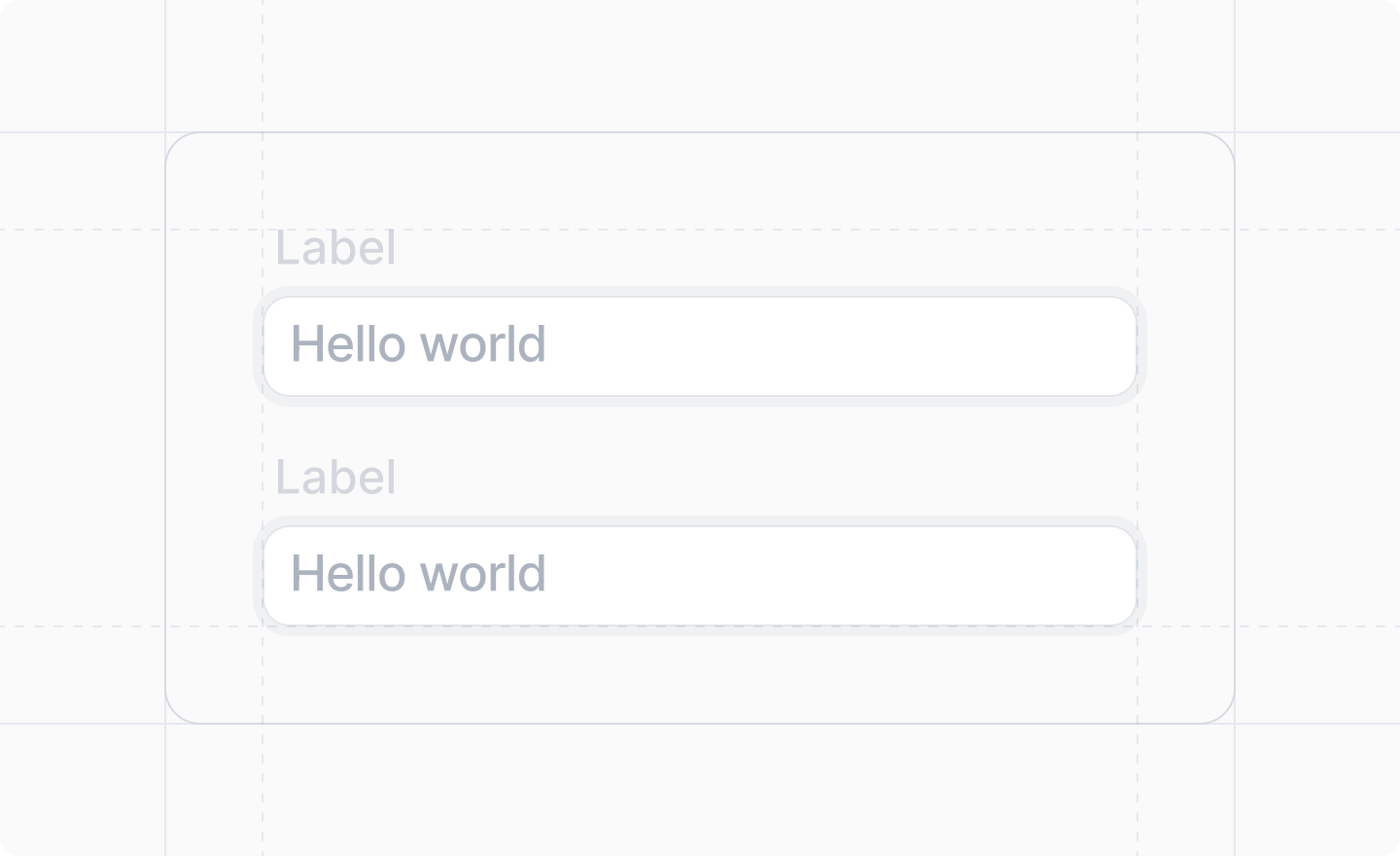
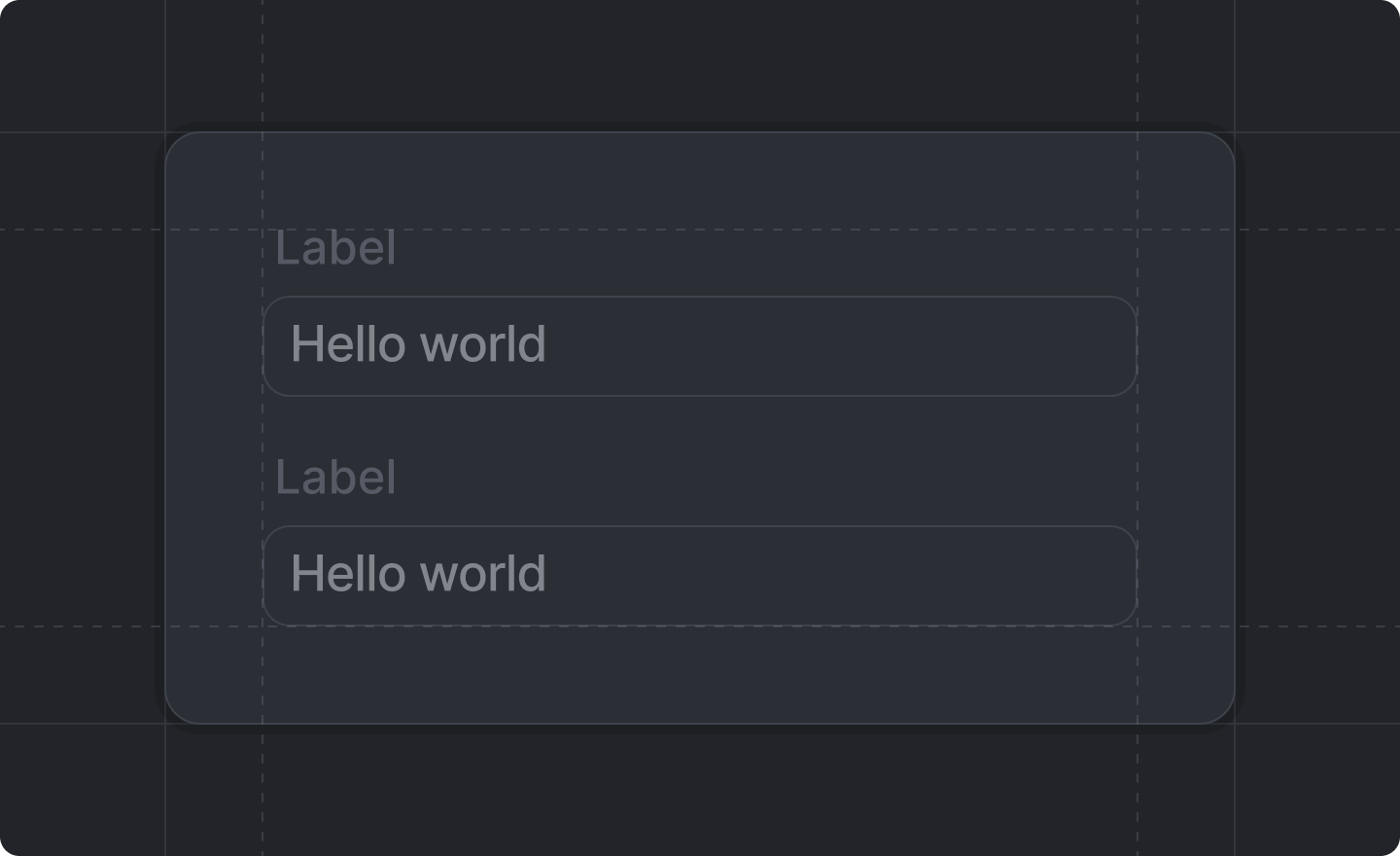 This component is returned by [`useForm()`](../../forms/use-form).
You are required to render one – ***and only one*** – of these to make your form work.
All inputs must be inside of the ``.
## Example
```tsx form-dialog.tsx theme={"system"}
import React from "react"
import {Forms, useForm, showToast} from "attio/client"
export function FormDialog() {
const {Form, SubmitButton, TextInput} = useForm(
{
firstName: Forms.string(),
lastName: Forms.string(),
},
{
firstName: "",
lastName: "",
},
)
return (
)
}
```
## Props
What to do with the form values on submit. Typically you will call a server function.
In TypeScript, the values will be strongly typed to match your [form schema](/sdk/forms/form-schema).
The contents of your form, usually layout and input components.
A form must contain one – ***and only one*** – [``](./submit-button) as a direct child.
This component is returned by [`useForm()`](../../forms/use-form).
You are required to render one – ***and only one*** – of these to make your form work.
All inputs must be inside of the ``.
## Example
```tsx form-dialog.tsx theme={"system"}
import React from "react"
import {Forms, useForm, showToast} from "attio/client"
export function FormDialog() {
const {Form, SubmitButton, TextInput} = useForm(
{
firstName: Forms.string(),
lastName: Forms.string(),
},
{
firstName: "",
lastName: "",
},
)
return (
)
}
```
## Props
What to do with the form values on submit. Typically you will call a server function.
In TypeScript, the values will be strongly typed to match your [form schema](/sdk/forms/form-schema).
The contents of your form, usually layout and input components.
A form must contain one – ***and only one*** – [``](./submit-button) as a direct child.