> ## Documentation Index
> Fetch the complete documentation index at: https://docs.attio.com/llms.txt
> Use this file to discover all available pages before exploring further.
#
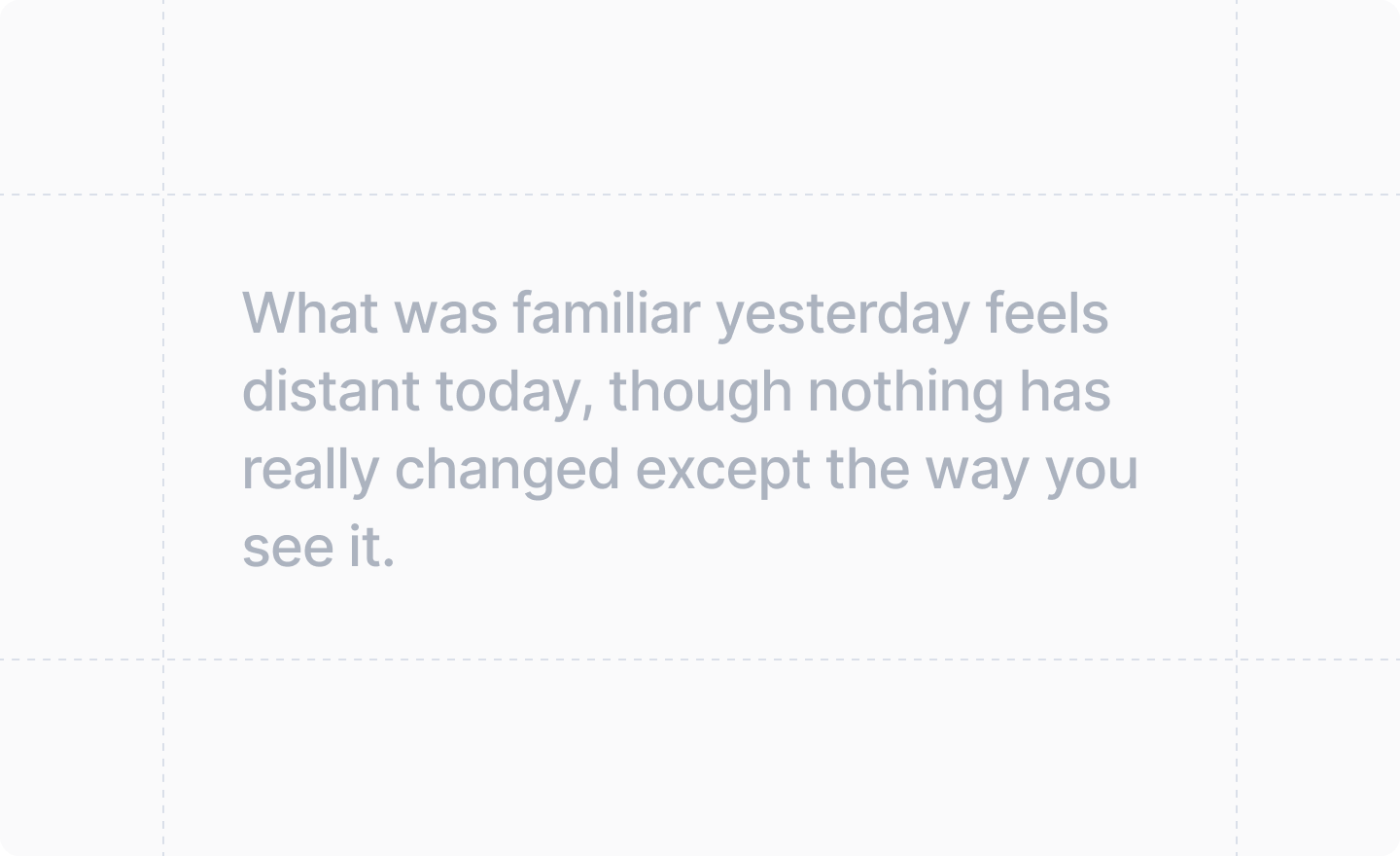
> A block of text whose content can be aligned.
 ```js theme={"system"}
import {TextBlock} from "attio/client"
```
It can be thought of as a
```jsx theme={"system"}
```
If you find yourself using `Loading...`, we recommend using [``](./loading-state) to manage loading states instead.
## Example
```tsx form-with-textblock-dialog.tsx theme={"system"}
import React from "react"
import {Forms, useForm, showToast, TextBlock} from "attio/client"
export function FormWithTextBlockDialog() {
const {Form, SubmitButton, TextInput} = useForm(
{
firstName: Forms.string(),
lastName: Forms.string(),
},
{
firstName: "",
lastName: "",
},
)
return (
)
}
```
## Props
The text content of the text block, usually text, but can be other components.
How to optionally align the content of the text block.
Defaults to `"center"`.
```js theme={"system"}
import {TextBlock} from "attio/client"
```
It can be thought of as a
```jsx theme={"system"}
```
If you find yourself using `Loading...`, we recommend using [``](./loading-state) to manage loading states instead.
## Example
```tsx form-with-textblock-dialog.tsx theme={"system"}
import React from "react"
import {Forms, useForm, showToast, TextBlock} from "attio/client"
export function FormWithTextBlockDialog() {
const {Form, SubmitButton, TextInput} = useForm(
{
firstName: Forms.string(),
lastName: Forms.string(),
},
{
firstName: "",
lastName: "",
},
)
return (
)
}
```
## Props
The text content of the text block, usually text, but can be other components.
How to optionally align the content of the text block.
Defaults to `"center"`.