> ## Documentation Index
> Fetch the complete documentation index at: https://docs.attio.com/llms.txt
> Use this file to discover all available pages before exploring further.

# <Button />

> A button component.

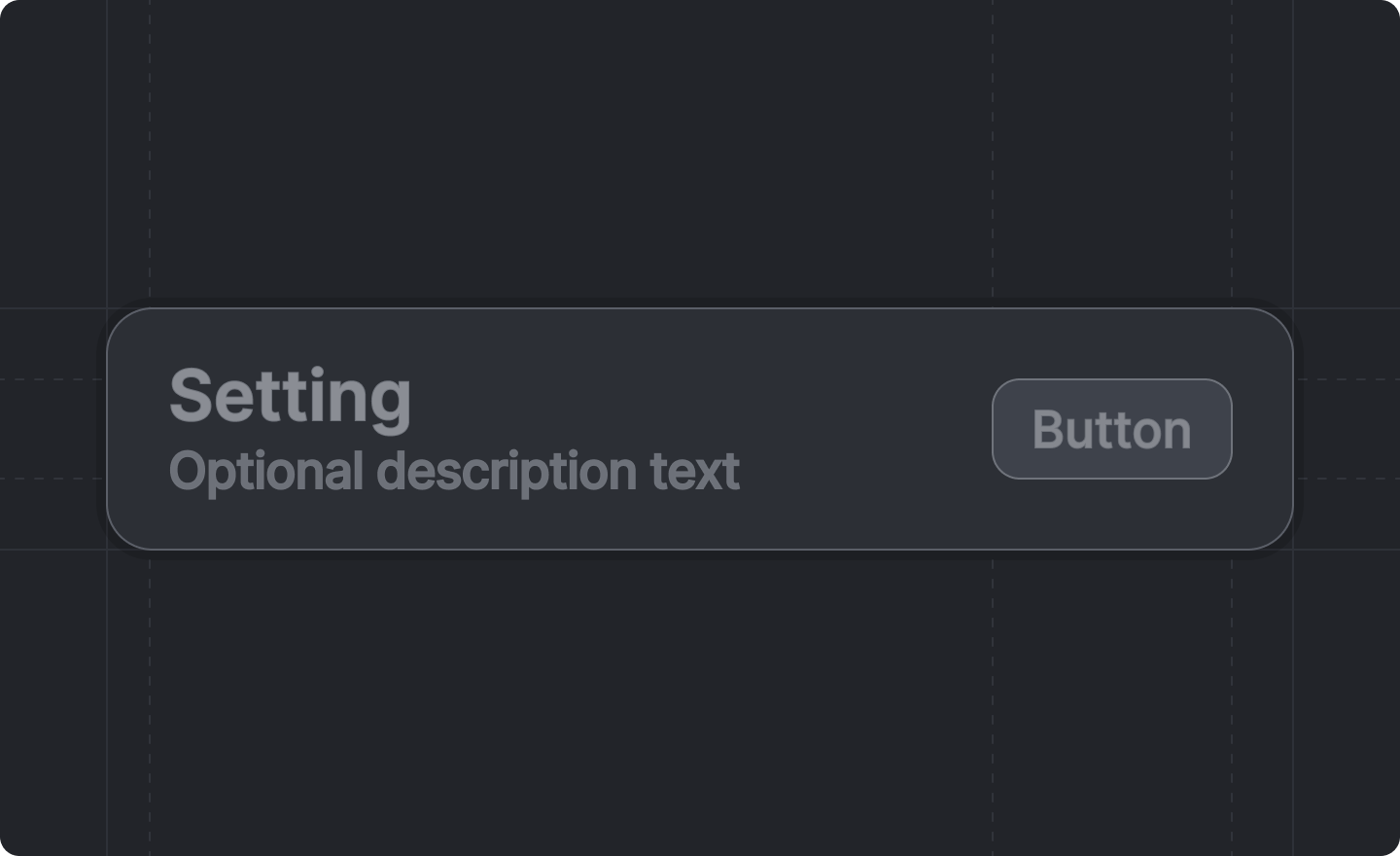
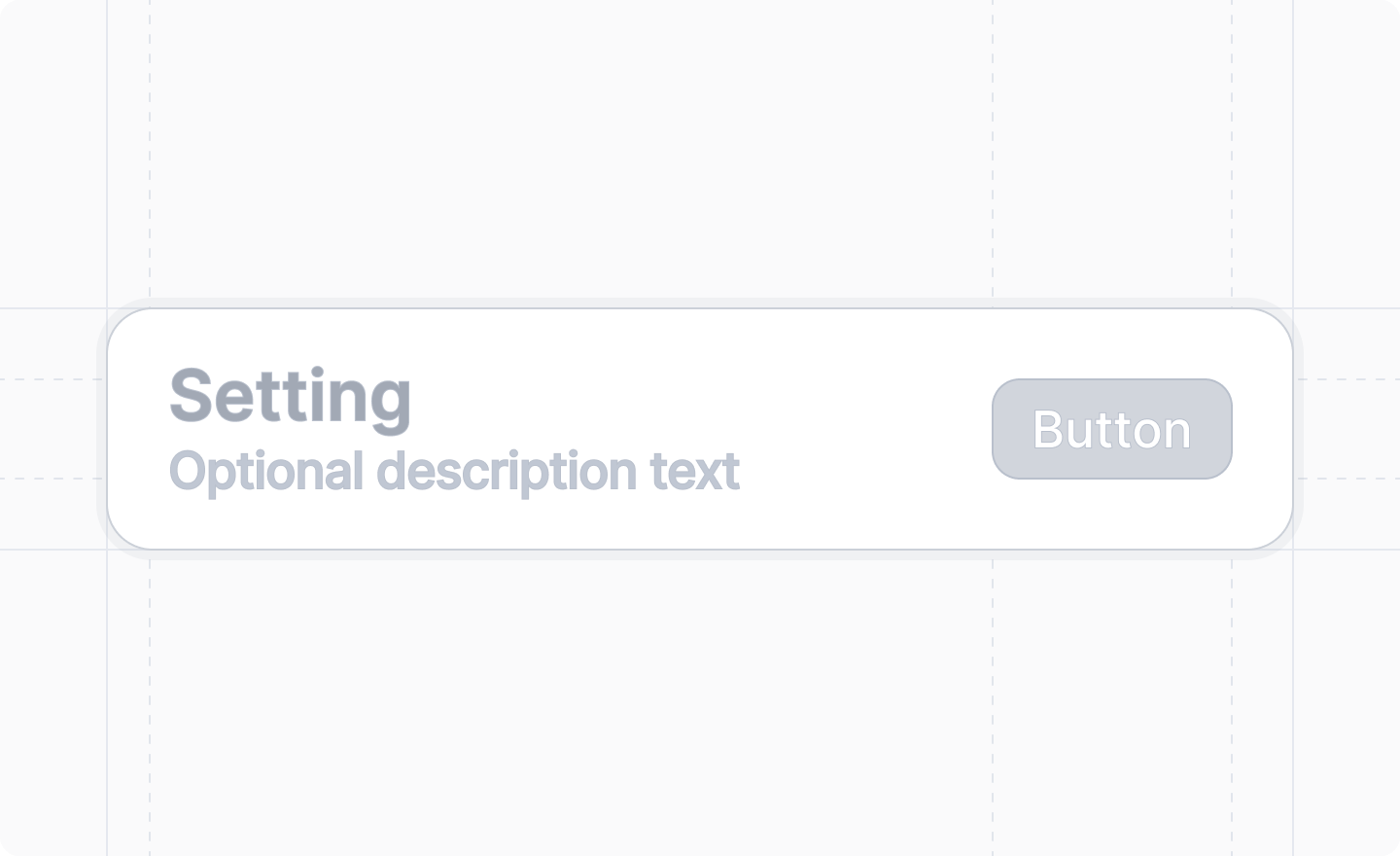
<img className="dark:hidden" width="720" height="440" noZoom src="https://mintcdn.com/attio/jXl5_SFM_Le7vWWN/images/workspace-settings-button.png?fit=max&auto=format&n=jXl5_SFM_Le7vWWN&q=85&s=16389384440f92921d90c7df75096aae" data-path="images/workspace-settings-button.png" />

<img className="hidden dark:block" width="720" height="440" noZoom src="https://mintcdn.com/attio/jXl5_SFM_Le7vWWN/images/workspace-settings-button-dark.png?fit=max&auto=format&n=jXl5_SFM_Le7vWWN&q=85&s=e771510eec219323dff88a05d7b7ba0d" data-path="images/workspace-settings-button-dark.png" />

<Note>
  This component is returned by
  [`useWorkspaceSettingsForm()`](../../settings/use-workspace-settings-form).
</Note>

Any buttons placed inside workspace settings will be rendered appropriately within the form layout.

## Example

```tsx workspace-settings.tsx theme={"system"}
import React from "react"
import {useWorkspaceSettingsForm} from "attio/client"
import type {App} from "attio"

export const workspaceSettings: App.Settings.Workspace = {
  Page,
}

function Page() {
  const {Form, TextInput, Button} = useWorkspaceSettingsForm()

  return (
    <Form>
      <TextInput label="Display name" name="display_name" />
      <Button
        title="Reset to defaults"
        description="This will restore all settings to their default values."
        label="Reset"
        variant="destructive"
        onClick={() => {
          // code here
        }}
      />
    </Form>
  )
}
```

## Props

<ParamField path="title" type="string" required>
  The title of the button section.
</ParamField>

<ParamField path="description" type="string">
  An optional description that provides additional context about what the button does.
</ParamField>

<ParamField path="label" type="string" required>
  The text of the button.
</ParamField>

<ParamField path="onClick" type="() => void" required>
  A function that will be called if the user clicks the button.
</ParamField>

<ParamField path="variant" type="'primary' | 'secondary' | 'secondary-destructive' | 'ghost' | 'destructive'">
  The style of the button.

  Defaults to `"secondary"`.
</ParamField>