> ## Documentation Index
> Fetch the complete documentation index at: https://docs.attio.com/llms.txt
> Use this file to discover all available pages before exploring further.
#
> A component that wraps your workspace settings inputs.
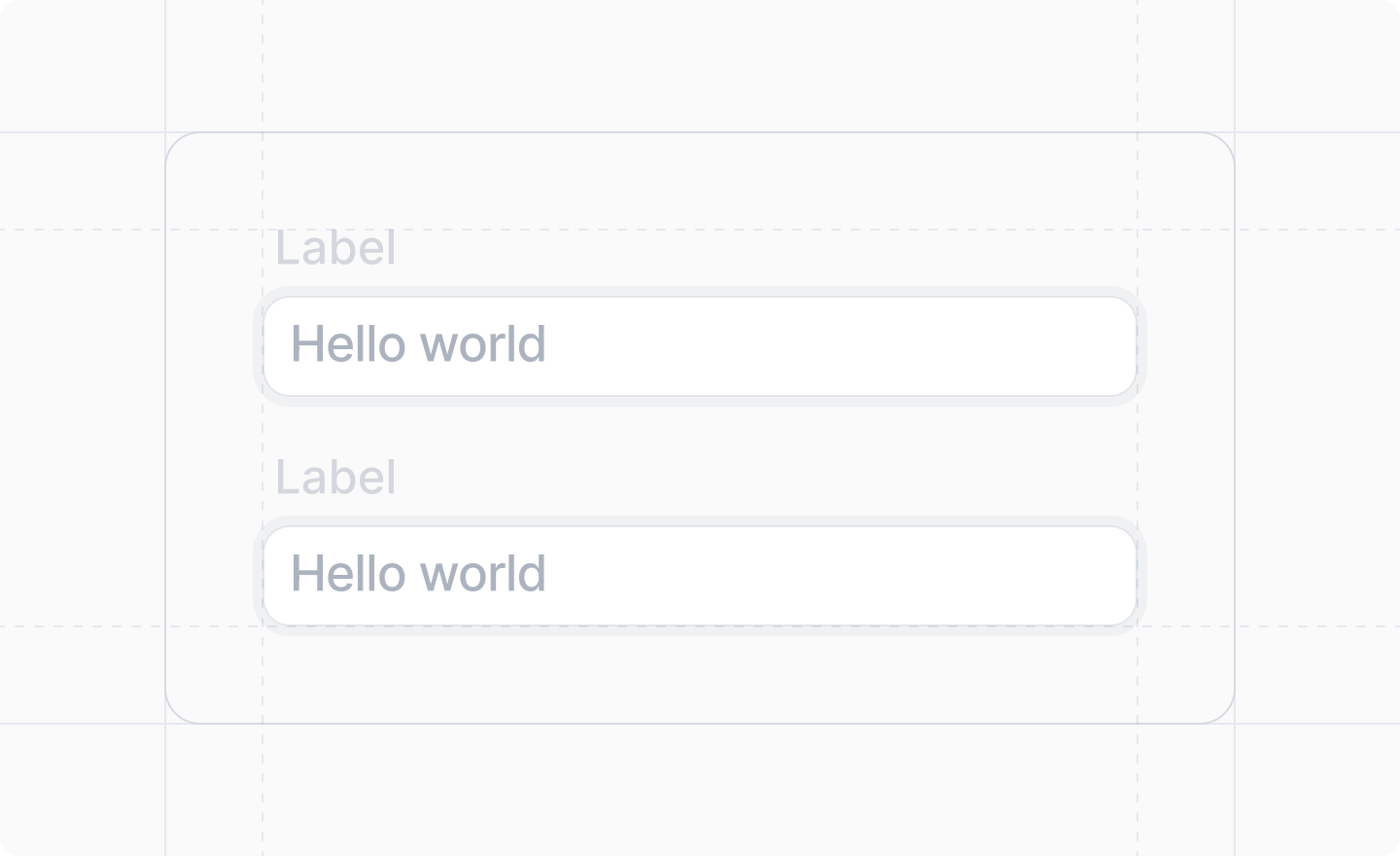
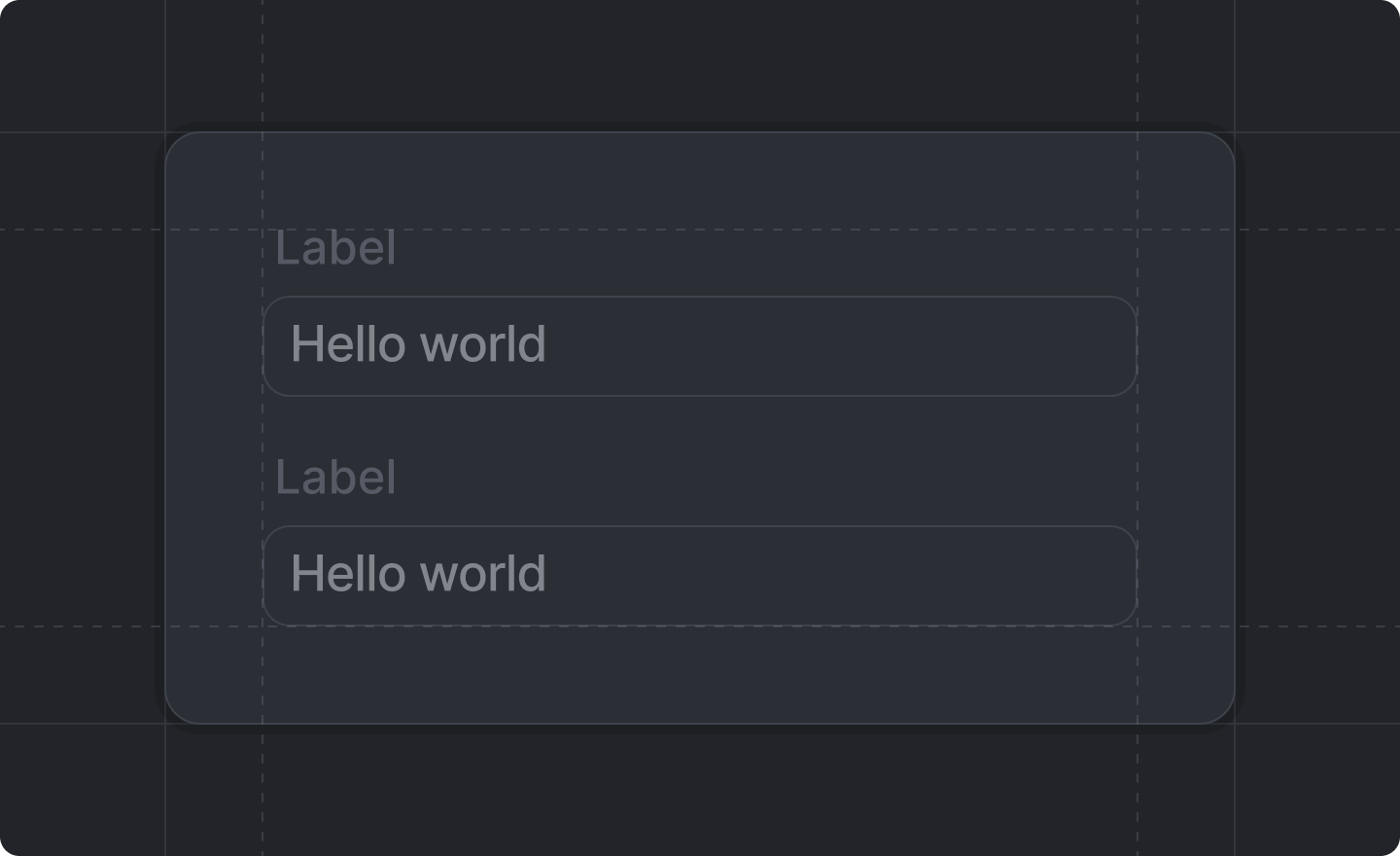 This component is returned by
[`Settings.useForm()`](../../settings/use-form).
You are required to render one – ***and only one*** – of these to make your workspace settings work.
All inputs must be inside of the ``.
## Example
```tsx src/app/settings/page.tsx theme={"system"}
import React from "react"
import {Settings} from "attio/client"
import schema from "./schema"
export default Settings.defineWorkspacePage(schema, () => {
const {Form, TextInput} = Settings.useForm(schema)
return (
)
})
```
## Props
The contents of your workspace settings form, usually layout and input components.
Unlike regular forms, the `` component from
[`Settings.useForm()`](../../settings/use-form) does **not** have an
`onSubmit` prop. Settings are automatically saved.
This component is returned by
[`Settings.useForm()`](../../settings/use-form).
You are required to render one – ***and only one*** – of these to make your workspace settings work.
All inputs must be inside of the ``.
## Example
```tsx src/app/settings/page.tsx theme={"system"}
import React from "react"
import {Settings} from "attio/client"
import schema from "./schema"
export default Settings.defineWorkspacePage(schema, () => {
const {Form, TextInput} = Settings.useForm(schema)
return (
)
})
```
## Props
The contents of your workspace settings form, usually layout and input components.
Unlike regular forms, the `` component from
[`Settings.useForm()`](../../settings/use-form) does **not** have an
`onSubmit` prop. Settings are automatically saved.