> ## Documentation Index
> Fetch the complete documentation index at: https://docs.attio.com/llms.txt
> Use this file to discover all available pages before exploring further.
#
> A component for grouping inputs.
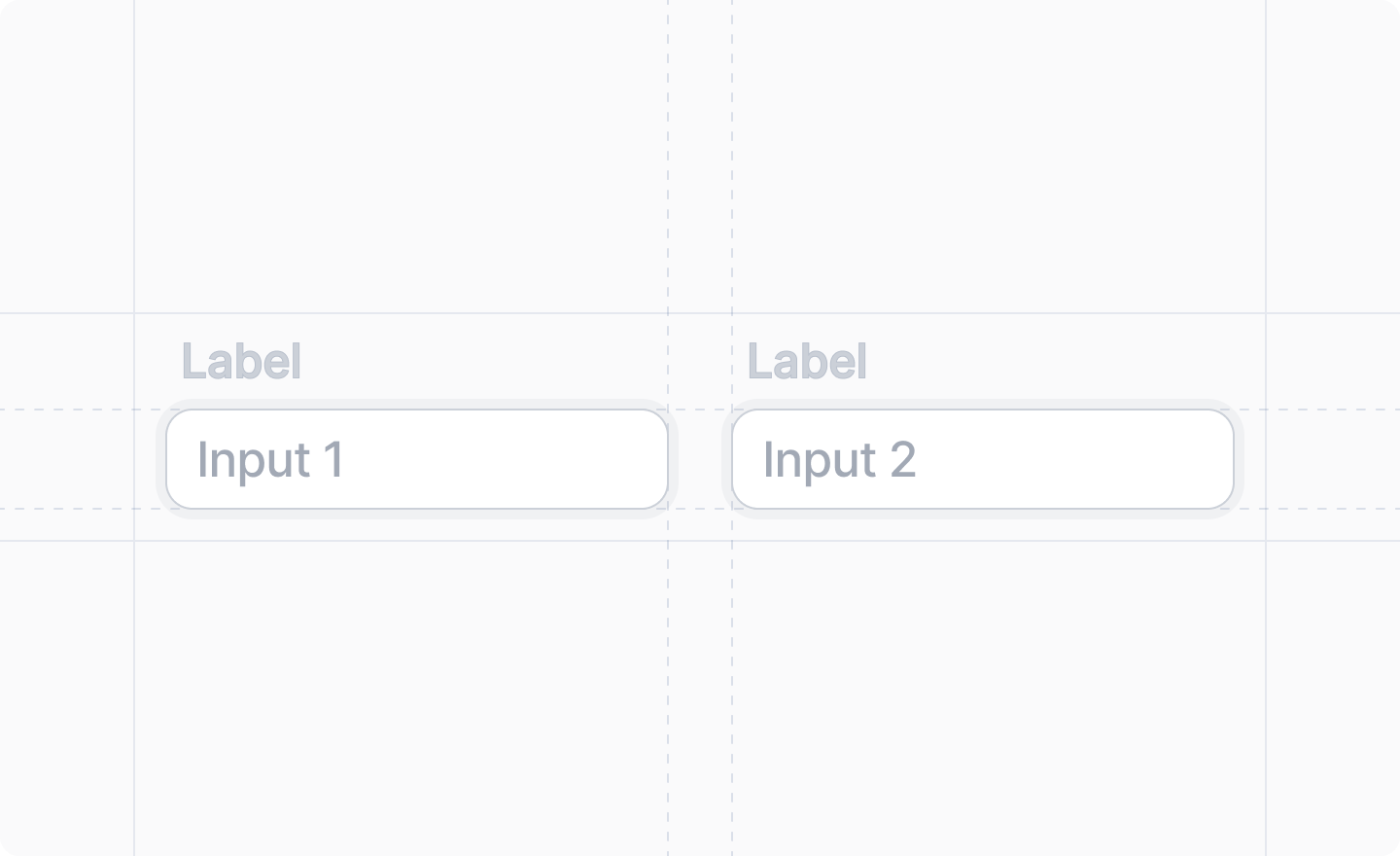
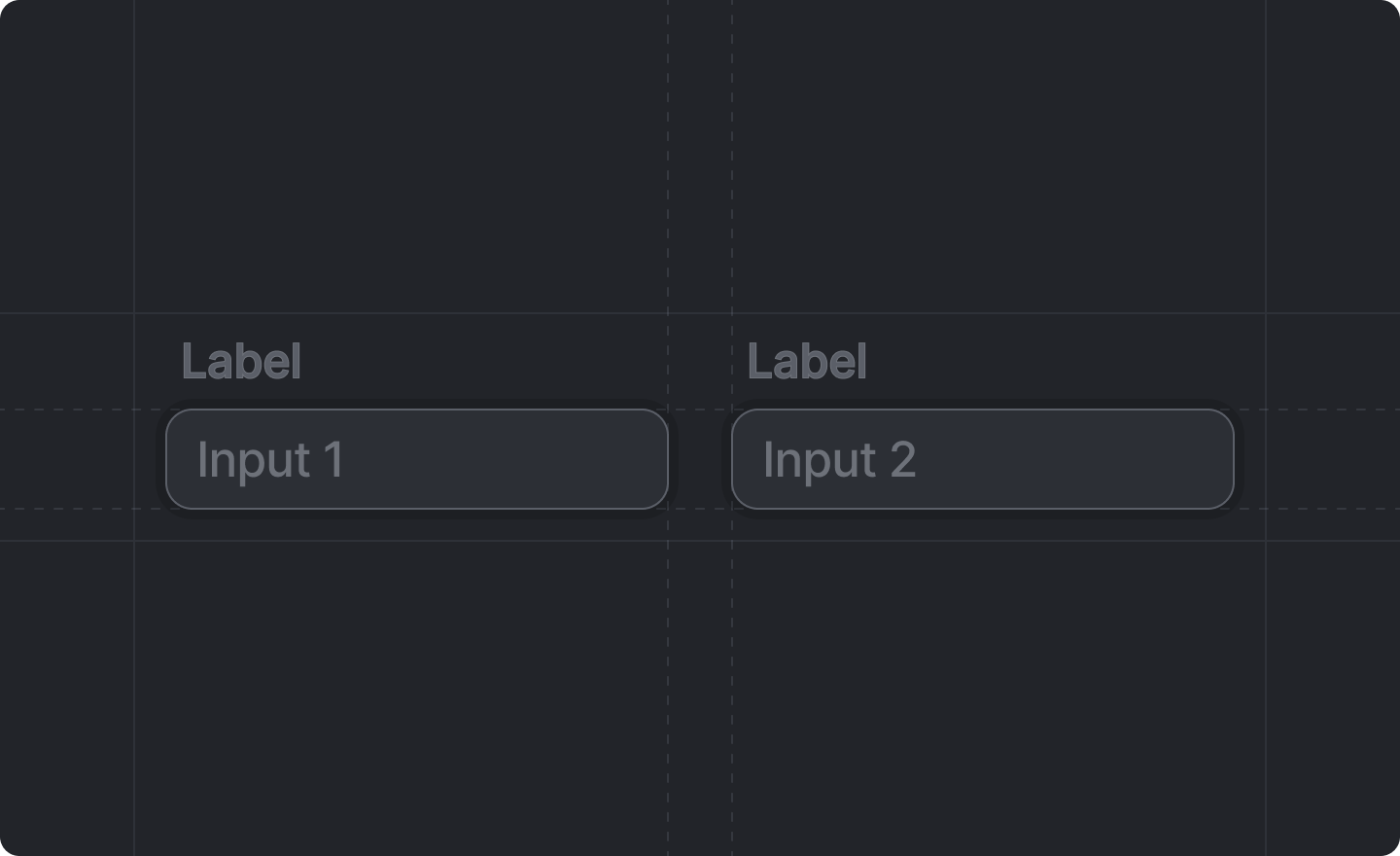 This component is returned by
[`Settings.useForm()`](../../settings/use-form).
## Example
```tsx src/app/settings/page.tsx theme={"system"}
import React from "react"
import {Settings} from "attio/client"
export function WorkspaceSettings() {
const {Form, InputGroup, NumberInput, TextInput} = Settings.useForm(schema)
return (
)
}
```
## Props
The child inputs to be grouped.
This component is returned by
[`Settings.useForm()`](../../settings/use-form).
## Example
```tsx src/app/settings/page.tsx theme={"system"}
import React from "react"
import {Settings} from "attio/client"
export function WorkspaceSettings() {
const {Form, InputGroup, NumberInput, TextInput} = Settings.useForm(schema)
return (
)
}
```
## Props
The child inputs to be grouped.