> ## Documentation Index
> Fetch the complete documentation index at: https://docs.attio.com/llms.txt
> Use this file to discover all available pages before exploring further.
# Record action
> Add an action to record pages in Attio
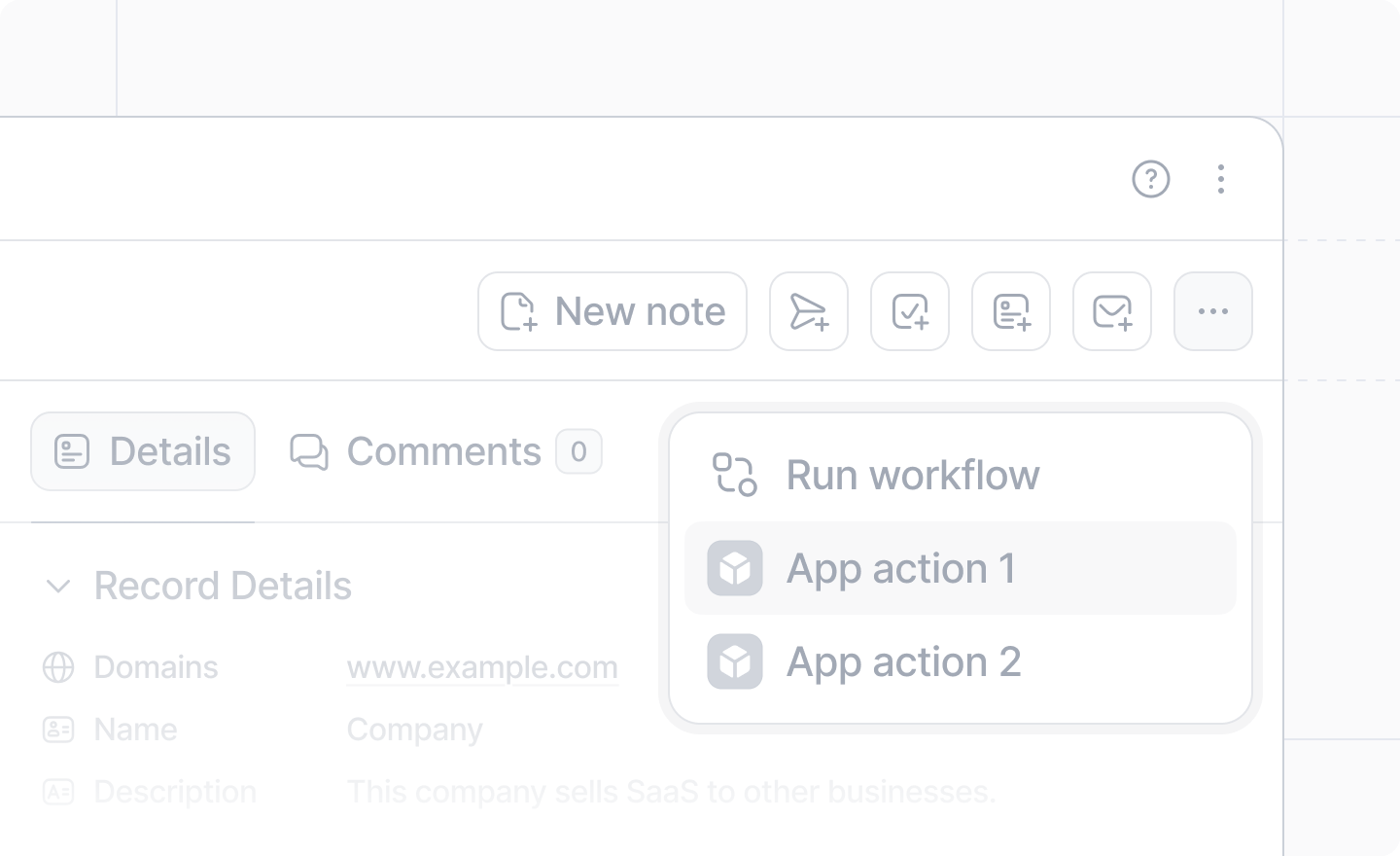
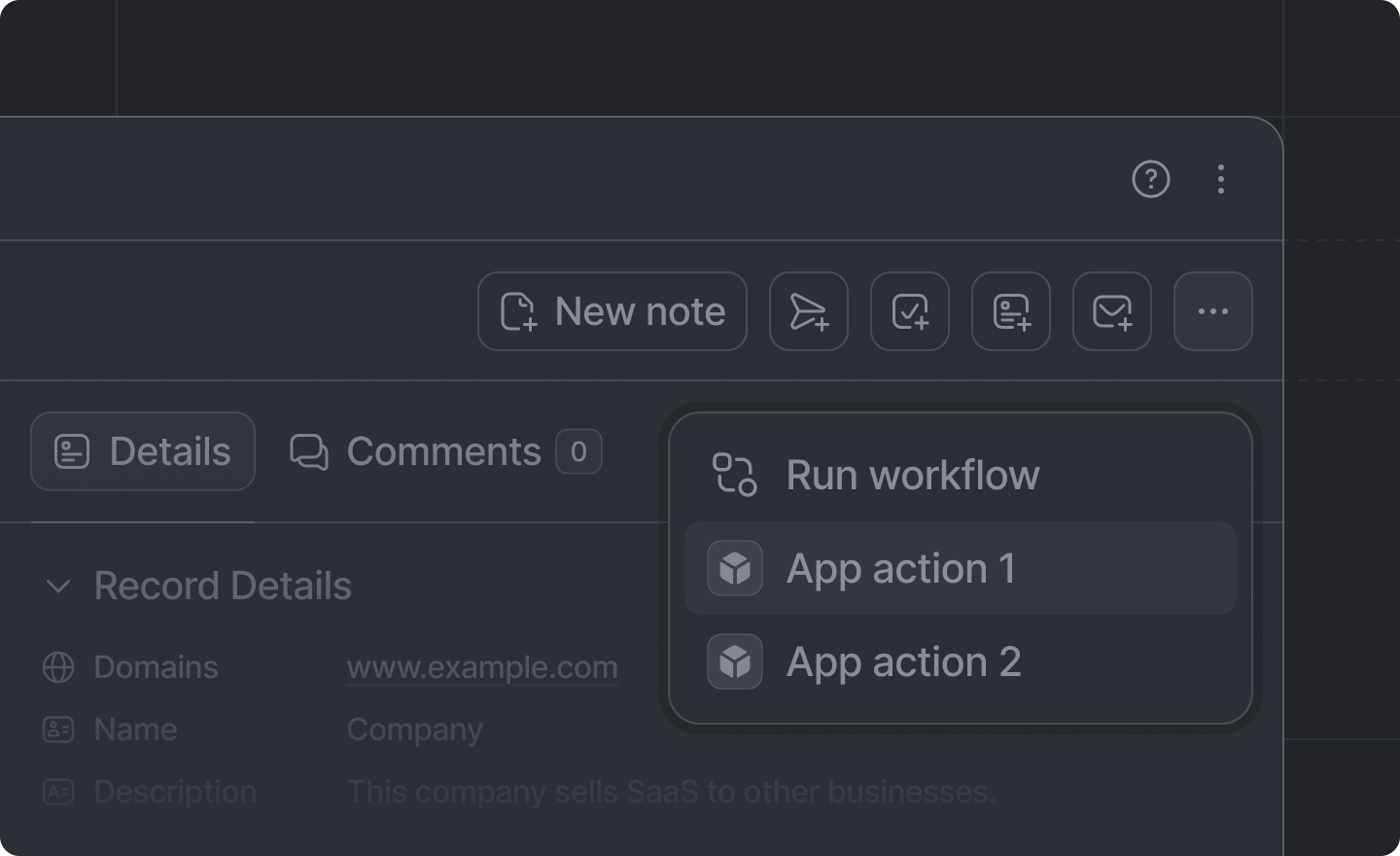 Record actions are rendered:
* on Record pages in Attio
* in the CMD+K quick action palette.
Add a record action by creating an extension folder under `src/app/extensions/` whose `extension.tsx` default-exports a `defineExtension` call with `type: "record-action"`. See [App structure](./overview) for the discovery rules.
## Example
```tsx src/app/extensions/send-invoice/extension.tsx theme={"system"}
import {Extensions} from "attio/client"
export default Extensions.defineExtension({
type: "record-action",
id: "send-invoice",
label: "Send Invoice",
icon: "Sales",
onTrigger: async ({recordId, object}) => {
// Run code here
},
objects: "people",
})
```
## Arguments
Identifies this extension as a record action.
The unique identifier for this action.
It is only used internally; never shown to the user.
The human-readable label for the record action.
An [`AttioIcon`](../icons) to display in the action.
If no `icon` prop is provided, it will default to your app's icon that you set up in the
[Developer dashboard](https://build.attio.com).
The function to run when the action is triggered. It receives the `recordId` of the record it
was triggered on and the record's [object slug](/docs/objects-and-lists). You'll likely want to
[show a dialog](../dialogs/show-dialog) or run a [server function](../server/server-functions)
here.
A single slug, an array of slugs, or a predicate to select which types of record the record
action will apply to. The predicate receives `{attributes, object, isStandard}` for the record
and returns whether the action should be shown.
Defaults to `undefined`, which will cause the action to show on ***all*** types of records.
The built-in slugs are
* [`"companies"`](../../docs/standard-objects/standard-objects-companies)
* [`"people"`](../../docs/standard-objects/standard-objects-people)
* [`"deals"`](../../docs/standard-objects/standard-objects-deals)
* [`"users"`](../../docs/standard-objects/standard-objects-users)
* [`"workspaces"`](../../docs/standard-objects/standard-objects-workspaces)
Record actions are rendered:
* on Record pages in Attio
* in the CMD+K quick action palette.
Add a record action by creating an extension folder under `src/app/extensions/` whose `extension.tsx` default-exports a `defineExtension` call with `type: "record-action"`. See [App structure](./overview) for the discovery rules.
## Example
```tsx src/app/extensions/send-invoice/extension.tsx theme={"system"}
import {Extensions} from "attio/client"
export default Extensions.defineExtension({
type: "record-action",
id: "send-invoice",
label: "Send Invoice",
icon: "Sales",
onTrigger: async ({recordId, object}) => {
// Run code here
},
objects: "people",
})
```
## Arguments
Identifies this extension as a record action.
The unique identifier for this action.
It is only used internally; never shown to the user.
The human-readable label for the record action.
An [`AttioIcon`](../icons) to display in the action.
If no `icon` prop is provided, it will default to your app's icon that you set up in the
[Developer dashboard](https://build.attio.com).
The function to run when the action is triggered. It receives the `recordId` of the record it
was triggered on and the record's [object slug](/docs/objects-and-lists). You'll likely want to
[show a dialog](../dialogs/show-dialog) or run a [server function](../server/server-functions)
here.
A single slug, an array of slugs, or a predicate to select which types of record the record
action will apply to. The predicate receives `{attributes, object, isStandard}` for the record
and returns whether the action should be shown.
Defaults to `undefined`, which will cause the action to show on ***all*** types of records.
The built-in slugs are
* [`"companies"`](../../docs/standard-objects/standard-objects-companies)
* [`"people"`](../../docs/standard-objects/standard-objects-people)
* [`"deals"`](../../docs/standard-objects/standard-objects-deals)
* [`"users"`](../../docs/standard-objects/standard-objects-users)
* [`"workspaces"`](../../docs/standard-objects/standard-objects-workspaces)