> ## Documentation Index
> Fetch the complete documentation index at: https://docs.attio.com/llms.txt
> Use this file to discover all available pages before exploring further.
# Building forms
> How to build and validate forms
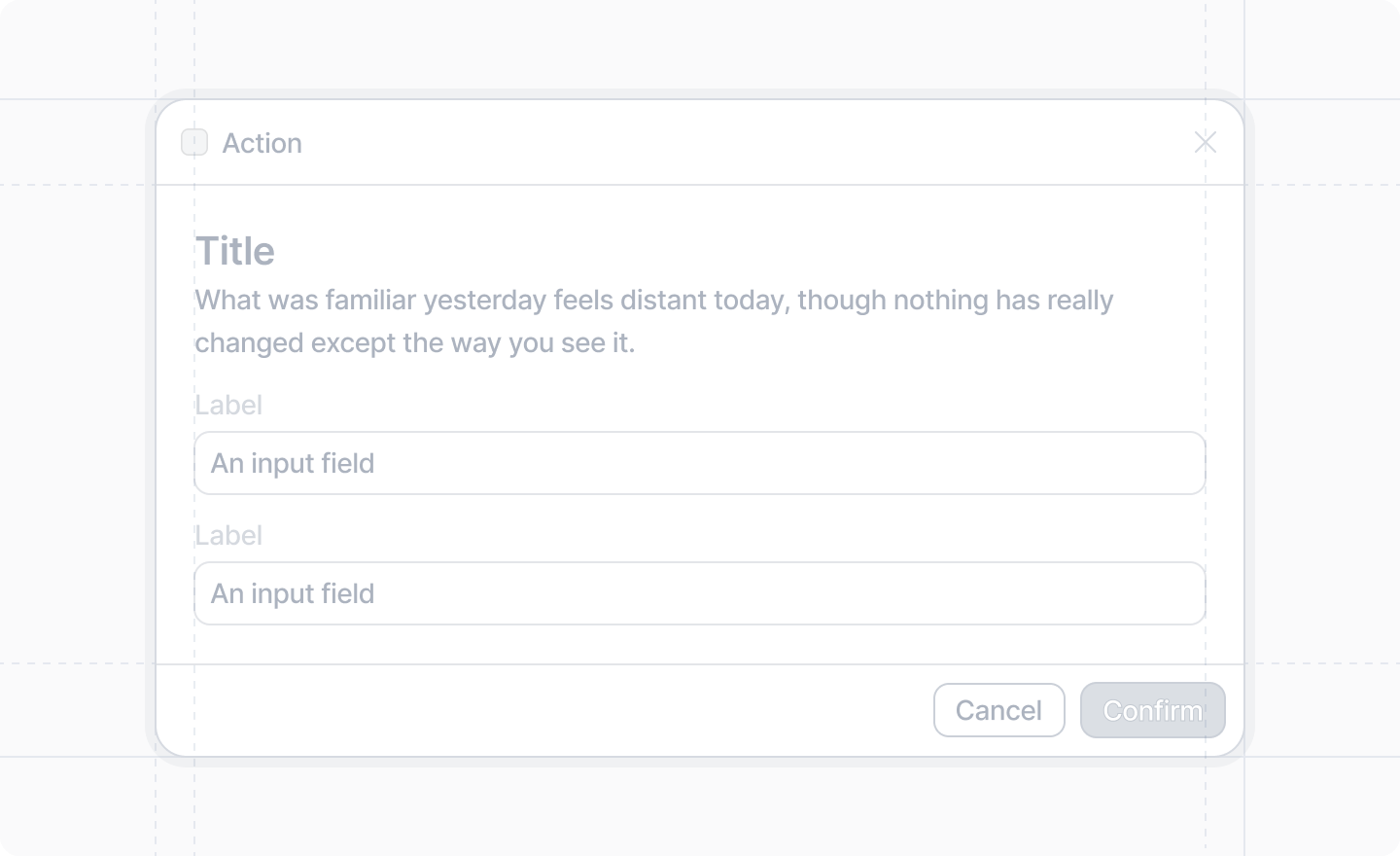
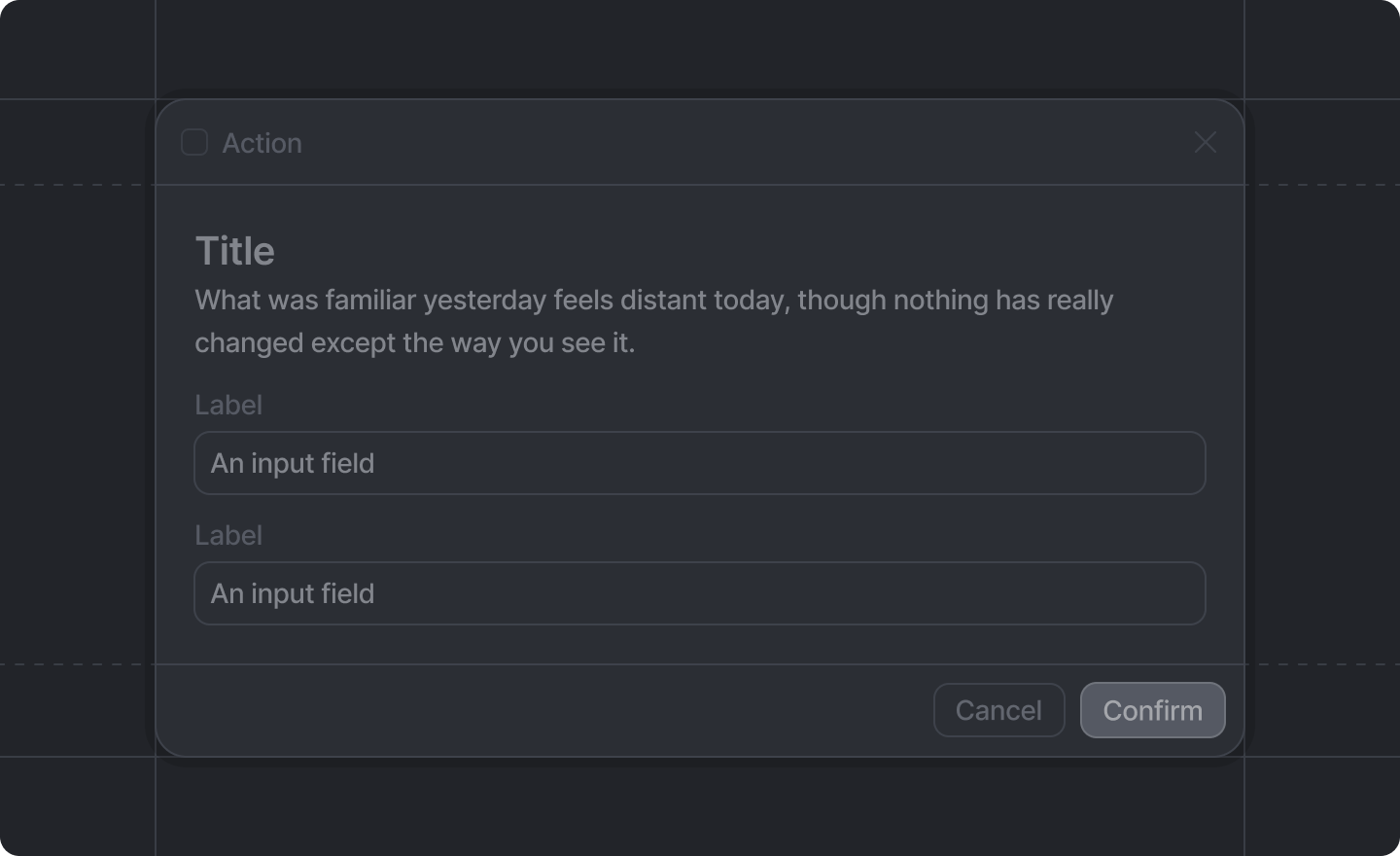
Forms can be displayed inside [dialogs](../dialogs/show-dialog) using components
returned from [`useForm()`](../forms/use-form), which is given a
[form schema](../forms/form-schema).
 ## How to build a form
The process to build a form is:
1. Create a [form schema](../forms/form-schema).
2. Destructure the form components you need from [`useForm()`](../forms/use-form).
3. Render the components. Wrap your form inputs in a ``.
4. Define your `onSubmit` function in ``.
## Example: Simple Form
```tsx simple-form.tsx theme={"system"}
import {Forms, useForm, showToast} from "attio/client"
// Define your schema outside of the component
const formSchema = {
title: Forms.string(),
url: Forms.string().url(),
age: Forms.number().min(18),
approved: Forms.boolean(),
subscribed: Forms.boolean(),
}
export function SimpleFormDialog({onDone}: {onDone: () => void}) {
const {Form, TextInput, NumberInput, Checkbox, Toggle, SubmitButton} = useForm(formSchema, {
// These default values are required because these strings are required
title: "",
url: "",
// No defaults are obligatory for required numbers or booleans
// They default to 0 and false respectively
})
return (
`. */}
{/* No matter where you place it, it will be */}
{/* rendered in the footer of the dialog. */}
)
}
```
## Example: Complex validation
Sometimes you may need to add more complex validation than a static schema can express.
For example, you might want to ensure that the minimum value is less than the maximum value.
You can achieve this by passing a validation function to `useForm()`.
```tsx complex-validation.tsx theme={"system"}
import {Forms, useForm, showToast} from "attio/client"
// Define your schema outside of the component
const formSchema = {
min: Forms.number().min(0).max(100),
max: Forms.number().min(0).max(100),
}
export function ComplexValidationDialog({onDone}: {onDone: () => void}) {
const {Form, NumberInput, SubmitButton} = useForm(
formSchema,
{},
// As a third parameter to useForm(), you can pass a validation function
// that takes all the form values and returns errors in the same shape
// as the form values.
(values) => {
const errors: {min?: string; max?: string} = {} // empty errors object means validation passes
if (values.min > values.max) {
errors.min = "Must be less than max"
errors.max = "Must be greater than than min"
}
return errors
},
)
return (
`. */}
{/* No matter where you place it, it will be */}
{/* rendered in the footer of the dialog. */}
)
}
```
## Related documentation
* [`showDialog()`](../dialogs/show-dialog)
* [`useForm()`](../forms/use-form)
* [Form schema](../forms/form-schema)
## How to build a form
The process to build a form is:
1. Create a [form schema](../forms/form-schema).
2. Destructure the form components you need from [`useForm()`](../forms/use-form).
3. Render the components. Wrap your form inputs in a ``.
4. Define your `onSubmit` function in ``.
## Example: Simple Form
```tsx simple-form.tsx theme={"system"}
import {Forms, useForm, showToast} from "attio/client"
// Define your schema outside of the component
const formSchema = {
title: Forms.string(),
url: Forms.string().url(),
age: Forms.number().min(18),
approved: Forms.boolean(),
subscribed: Forms.boolean(),
}
export function SimpleFormDialog({onDone}: {onDone: () => void}) {
const {Form, TextInput, NumberInput, Checkbox, Toggle, SubmitButton} = useForm(formSchema, {
// These default values are required because these strings are required
title: "",
url: "",
// No defaults are obligatory for required numbers or booleans
// They default to 0 and false respectively
})
return (
`. */}
{/* No matter where you place it, it will be */}
{/* rendered in the footer of the dialog. */}
)
}
```
## Example: Complex validation
Sometimes you may need to add more complex validation than a static schema can express.
For example, you might want to ensure that the minimum value is less than the maximum value.
You can achieve this by passing a validation function to `useForm()`.
```tsx complex-validation.tsx theme={"system"}
import {Forms, useForm, showToast} from "attio/client"
// Define your schema outside of the component
const formSchema = {
min: Forms.number().min(0).max(100),
max: Forms.number().min(0).max(100),
}
export function ComplexValidationDialog({onDone}: {onDone: () => void}) {
const {Form, NumberInput, SubmitButton} = useForm(
formSchema,
{},
// As a third parameter to useForm(), you can pass a validation function
// that takes all the form values and returns errors in the same shape
// as the form values.
(values) => {
const errors: {min?: string; max?: string} = {} // empty errors object means validation passes
if (values.min > values.max) {
errors.min = "Must be less than max"
errors.max = "Must be greater than than min"
}
return errors
},
)
return (
`. */}
{/* No matter where you place it, it will be */}
{/* rendered in the footer of the dialog. */}
)
}
```
## Related documentation
* [`showDialog()`](../dialogs/show-dialog)
* [`useForm()`](../forms/use-form)
* [Form schema](../forms/form-schema)