> ## Documentation Index
> Fetch the complete documentation index at: https://docs.attio.com/llms.txt
> Use this file to discover all available pages before exploring further.
# alert()
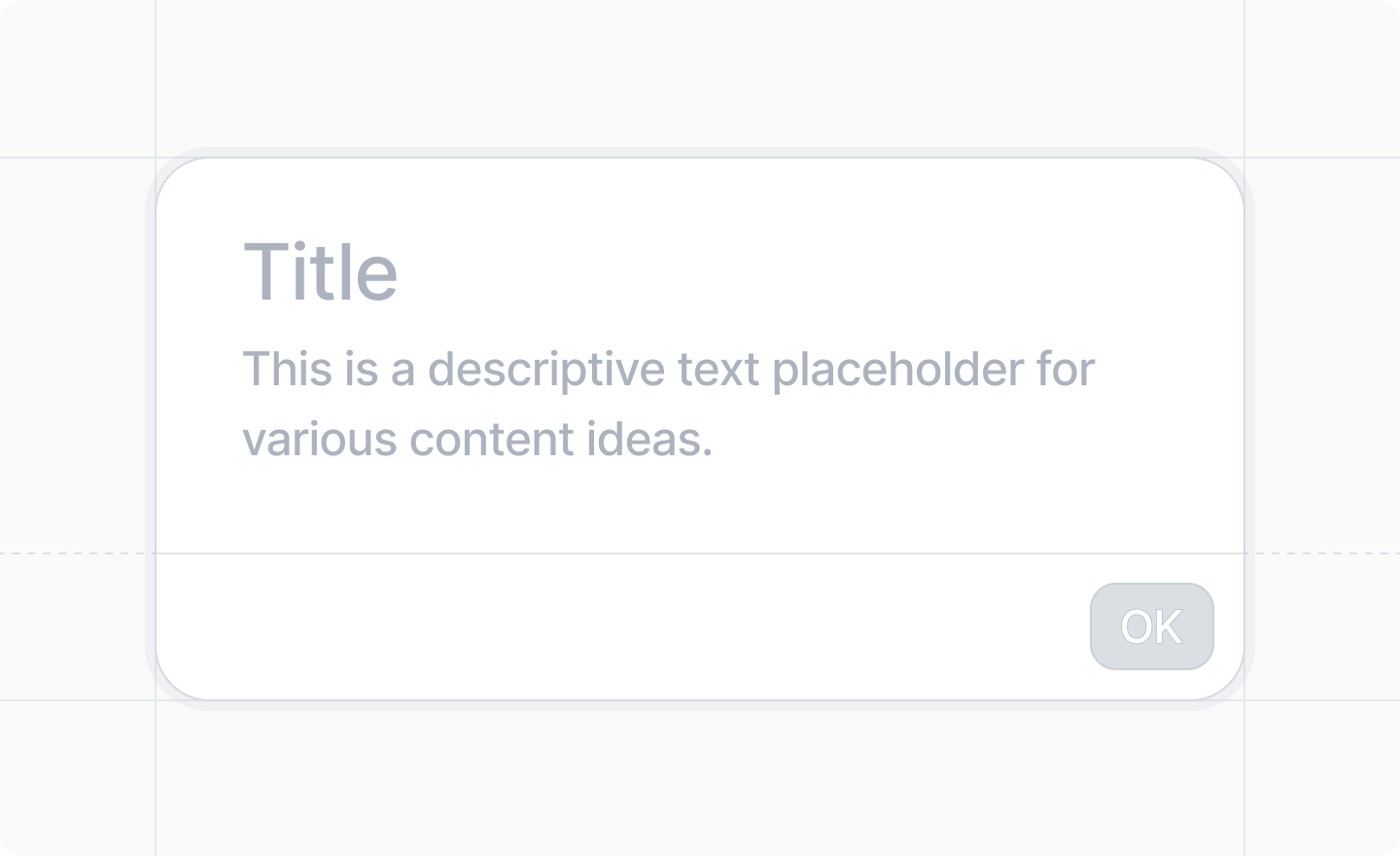
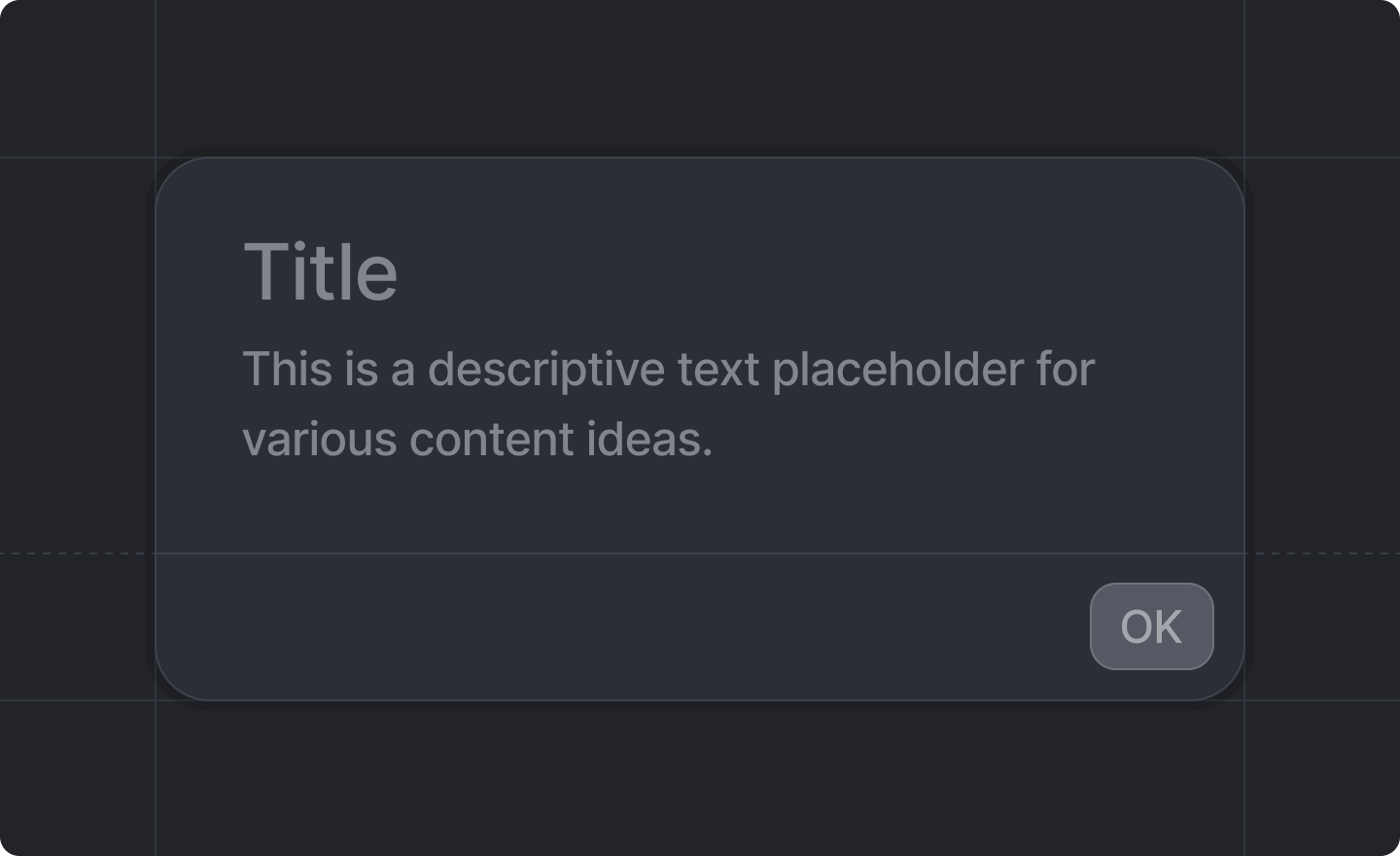
> Shows an alert to the user
 ```js theme={"system"}
import {alert} from "attio/client"
```
Analogous to the
[`window.alert()`](https://developer.mozilla.org/en-US/docs/Web/API/Window/alert)
function in web browser JavaScript. The popup is
[modal](https://en.wikipedia.org/wiki/Modal_window).
It is useful when you forcefully let the user know that something has happened.
## API
```ts TypeScript theme={"system"}
async function alert(options: Options): Promise
```
## Options
### `title : string`
The title of the alert pop-up.
### `text : string`
The text of the alert pop-up.
### `okLabel? : string`
The label for the "OK" button.
Defaults to `"OK"`.
```js theme={"system"}
import {alert} from "attio/client"
```
Analogous to the
[`window.alert()`](https://developer.mozilla.org/en-US/docs/Web/API/Window/alert)
function in web browser JavaScript. The popup is
[modal](https://en.wikipedia.org/wiki/Modal_window).
It is useful when you forcefully let the user know that something has happened.
## API
```ts TypeScript theme={"system"}
async function alert(options: Options): Promise
```
## Options
### `title : string`
The title of the alert pop-up.
### `text : string`
The text of the alert pop-up.
### `okLabel? : string`
The label for the "OK" button.
Defaults to `"OK"`.