> ## Documentation Index
> Fetch the complete documentation index at: https://docs.attio.com/llms.txt
> Use this file to discover all available pages before exploring further.
# Logos
> Logo and icon requirements for your app and developer account
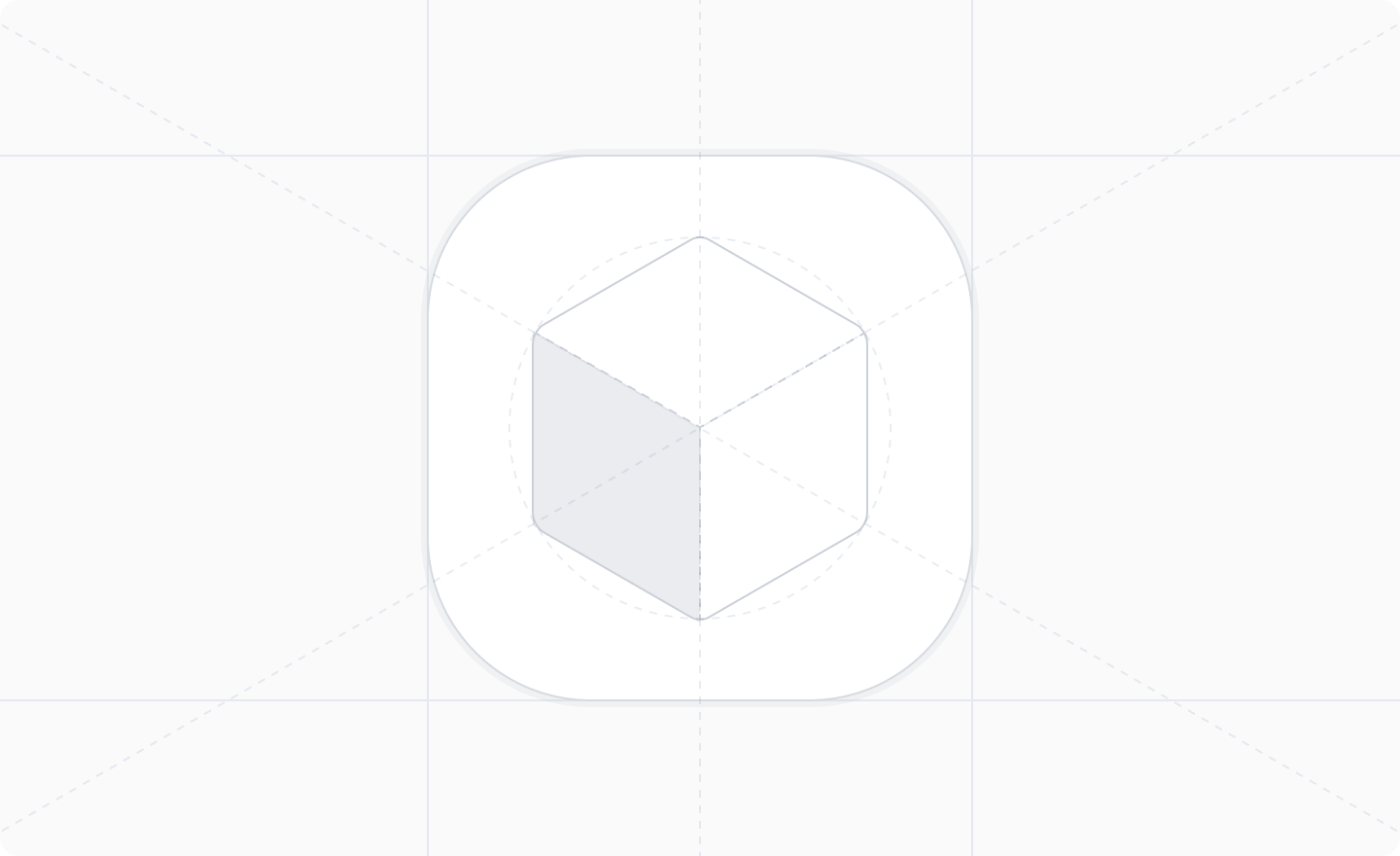
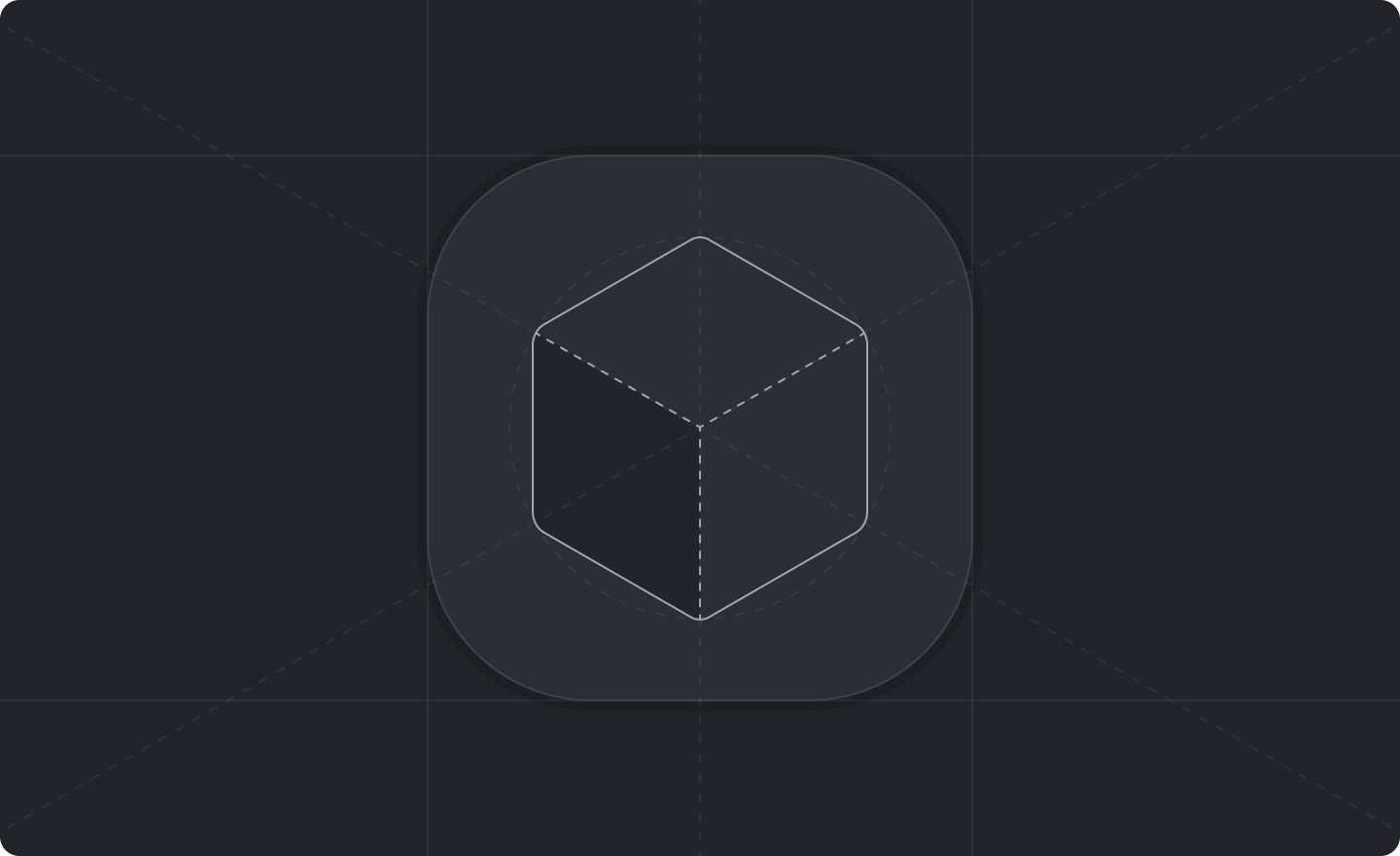 Your app logo plays a crucial role in how your app is presented across Attio. Both your developer account and your app require a logo.
## Specifications
* **Format:** PNG, no transparency.
* **Minimum size:** 560px by 560px.
* **Aspect ratio:** 1:1.
* **No rounded corners** — Attio automatically applies a 30% corner radius.
* **Leave sufficient padding** — Attio adds a 10% opacity inset outline, so ensure your logo has clear space around the edges.
* Must not be pixelated, distorted, or cropped awkwardly.
## Corner radius reference
For different icon sizes, Attio applies the following corner radii:
| Icon Size | Corner Radius |
| --------- | ------------- |
| 1000px | 300px |
| 500px | 150px |
| 280px | 84px |
## Display sizes
Your logo will appear at various sizes across the platform:
| Placement | Size |
| ---------------- | -------------- |
| App Details Page | 230px by 144px |
| App Store | 720px by 462px |
| Action Buttons | 14px by 14px |
## Figma templates
We provide a Figma file with templates to help you design your app logo to the correct specifications.
Open the Figma community file for app logo templates
## Tips
* Ensure the icon remains visually clear and recognizable at both small (14px) and large (720px) sizes.
* Make sure the icon is effective on both light and dark backgrounds.
* Use bold colors with simple, recognizable shapes for the best results.
Your app logo plays a crucial role in how your app is presented across Attio. Both your developer account and your app require a logo.
## Specifications
* **Format:** PNG, no transparency.
* **Minimum size:** 560px by 560px.
* **Aspect ratio:** 1:1.
* **No rounded corners** — Attio automatically applies a 30% corner radius.
* **Leave sufficient padding** — Attio adds a 10% opacity inset outline, so ensure your logo has clear space around the edges.
* Must not be pixelated, distorted, or cropped awkwardly.
## Corner radius reference
For different icon sizes, Attio applies the following corner radii:
| Icon Size | Corner Radius |
| --------- | ------------- |
| 1000px | 300px |
| 500px | 150px |
| 280px | 84px |
## Display sizes
Your logo will appear at various sizes across the platform:
| Placement | Size |
| ---------------- | -------------- |
| App Details Page | 230px by 144px |
| App Store | 720px by 462px |
| Action Buttons | 14px by 14px |
## Figma templates
We provide a Figma file with templates to help you design your app logo to the correct specifications.
Open the Figma community file for app logo templates
## Tips
* Ensure the icon remains visually clear and recognizable at both small (14px) and large (720px) sizes.
* Make sure the icon is effective on both light and dark backgrounds.
* Use bold colors with simple, recognizable shapes for the best results.