> ## Documentation Index
> Fetch the complete documentation index at: https://docs.attio.com/llms.txt
> Use this file to discover all available pages before exploring further.
# Private invites
> How to share your app with specific workspaces using a private link
Private invites let you share your app with specific workspaces without publishing to the Attio App Store. Anyone with the install link can install your app.
This is a good option if you've built an app for your own use, or if you're working with a few specific companies and have built an app for them.
## Getting your shareable link
Head to the [developer dashboard](https://build.attio.com), select your app, and open the overflow menu (three dots) at the top right of the page.
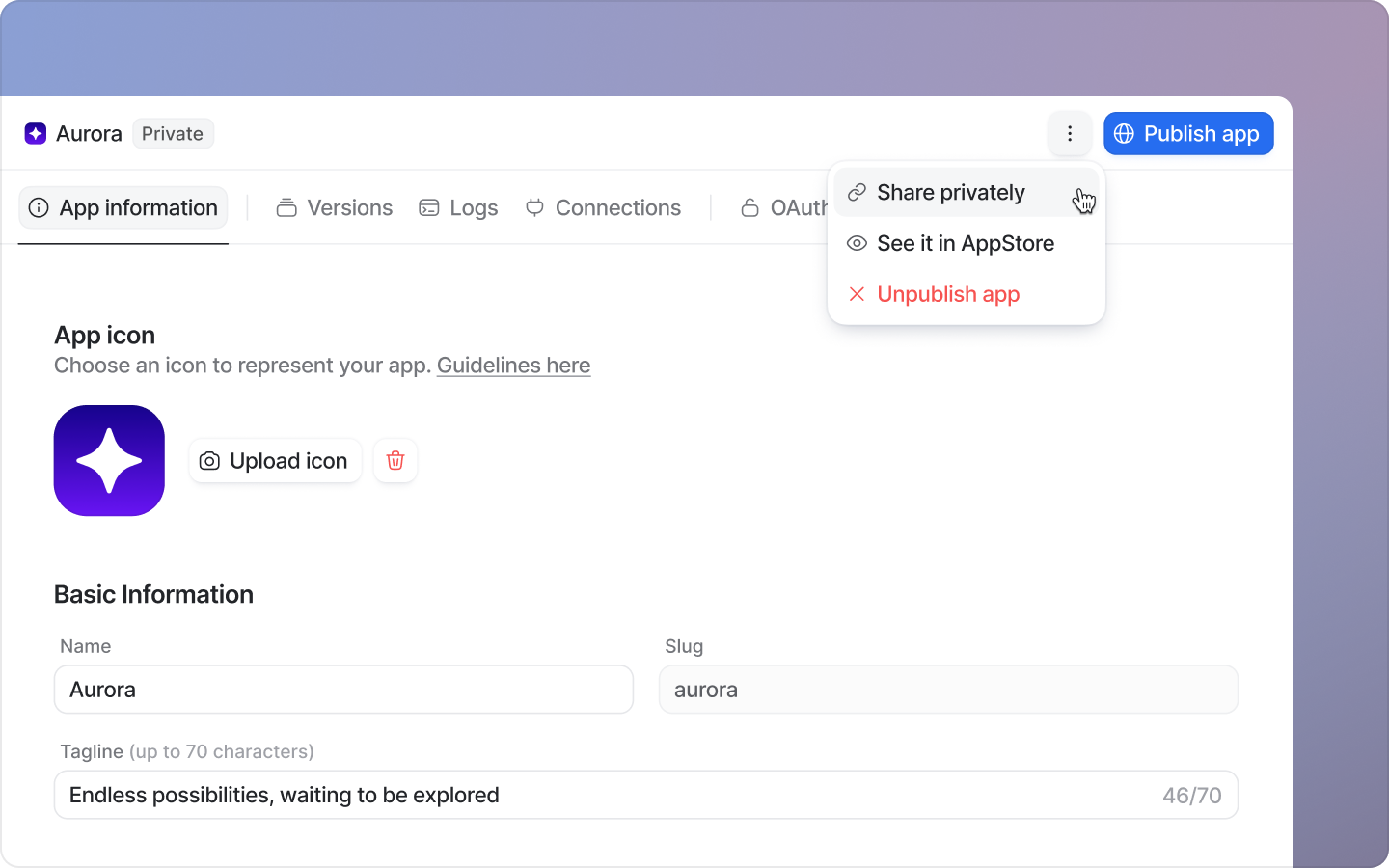
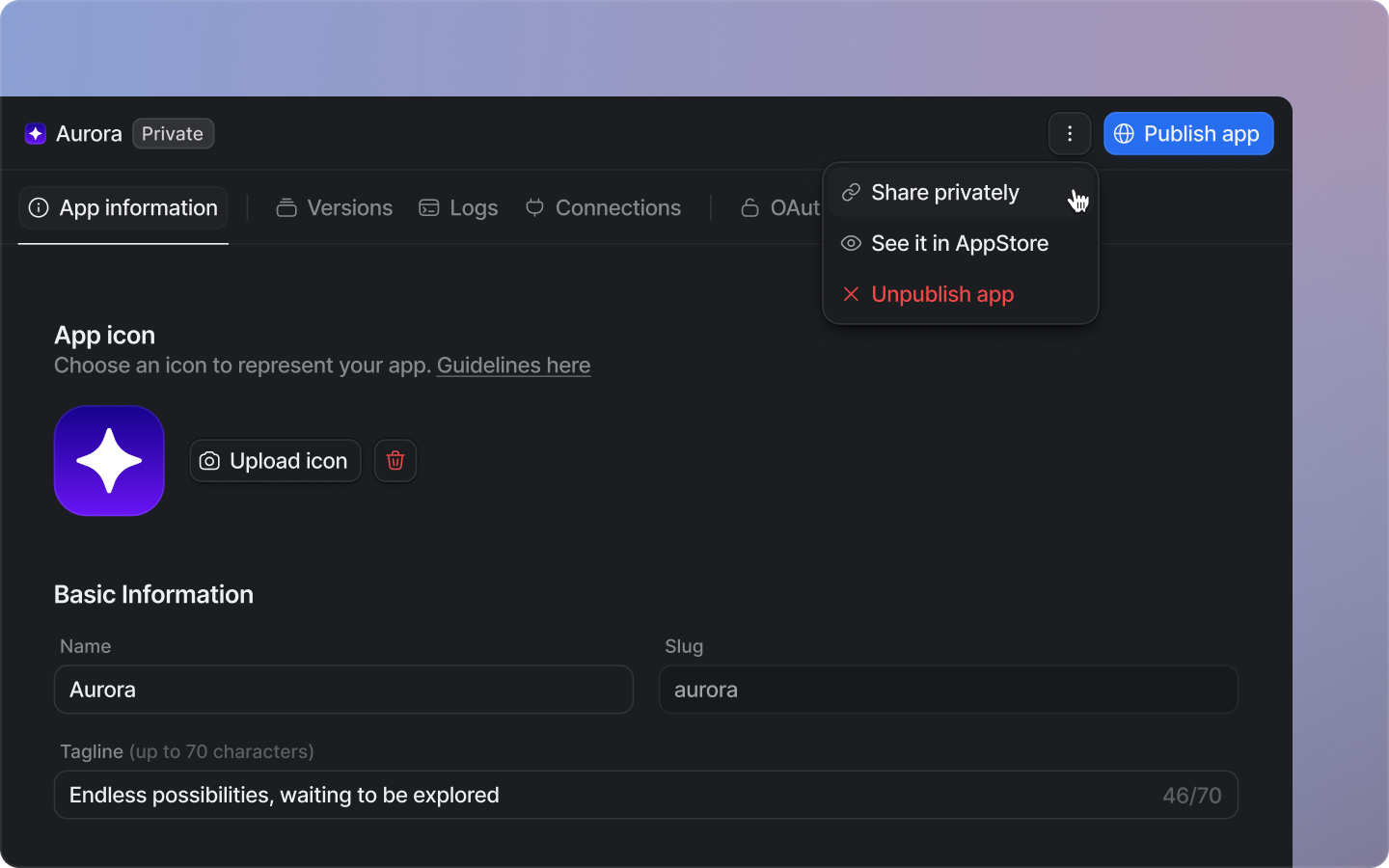 Select 'Share privately', then share the copied link with the workspaces you'd like to install your app.
No review from the Attio team is required for private invites. However, users installing an unapproved app will see a warning that the app has not been reviewed.
Select 'Share privately', then share the copied link with the workspaces you'd like to install your app.
No review from the Attio team is required for private invites. However, users installing an unapproved app will see a warning that the app has not been reviewed.