

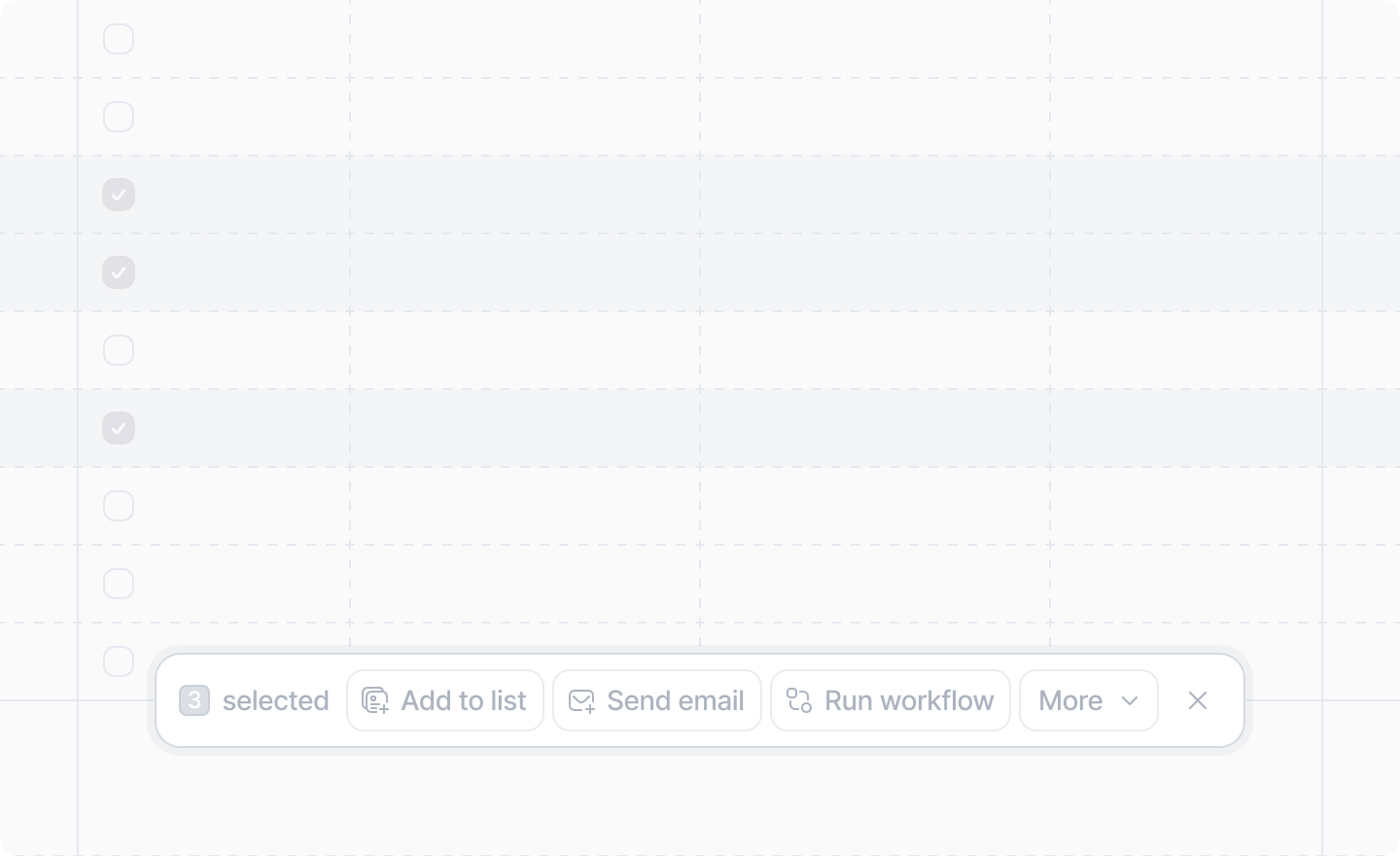
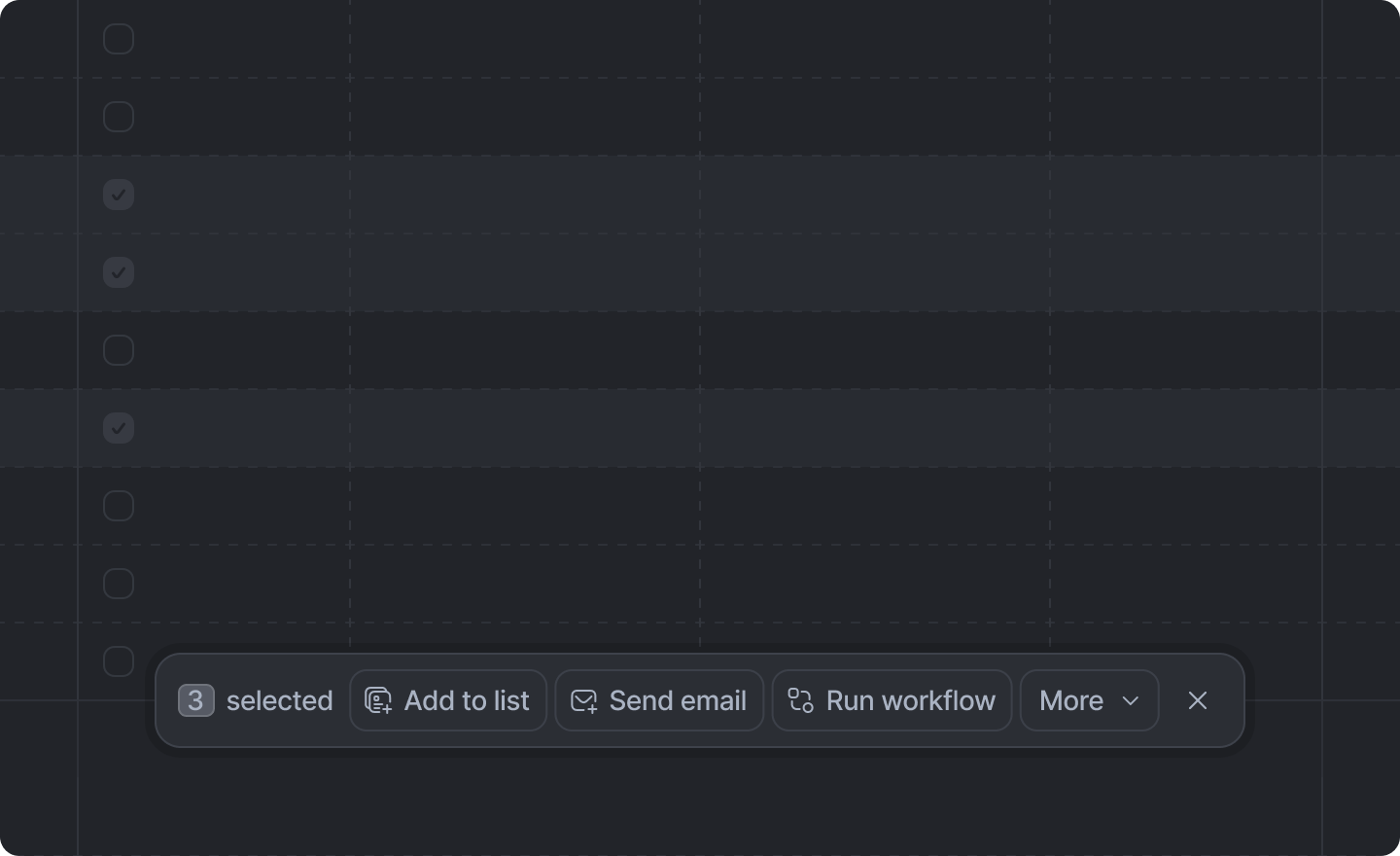
 Bulk record actions are rendered when multiple record rows are selected in Attio.
Add a bulk record action by creating an extension folder under
Bulk record actions are rendered when multiple record rows are selected in Attio.
Add a bulk record action by creating an extension folder under src/app/extensions/ whose extension.tsx default-exports a defineExtension call with type: "bulk-record-action". See App structure for the discovery rules.
Example
src/app/extensions/send-invoices/extension.tsx
Arguments
"bulk-record-action"
required
Identifies this extension as a bulk record action.
string
required
The unique identifier for this action.It is only used internally; never shown to the user.
string
required
The human-readable label for the bulk record action.
async ({ runRecordBatches<TWorkerResult>(
options: RunRecordBatchesOptions,
worker: (batch: RecordBatch) => Promise<TWorkerResult>
): Promise<BulkRecordActionBatchRunOutcome<Exclude<TWorkerResult, void>>>,
object: ObjectSlug
}) => Promise<void>
The function to run when the action is triggered. It receives an object with:
runRecordBatches- Processes the selected records in batches (up to 250 per batch). Call it withoptions(batchSize, and optionalonStart,onProgress,onComplete, andonErrorlifecycle hooks) and aworkerfunction that receives eachRecordBatchand returns a promise. Returns aBulkRecordActionBatchRunOutcomewith eithersuccess: trueandresults, orsuccess: falsewithpartialResultsanderror.object- The object slug being processed (e.g."people","companies").
runRecordBatches.ObjectSlug | Array<ObjectSlug> | (recordInfo) => boolean
A single slug, an array of slugs, or a predicate to select which types of record the bulk record
action will apply to. The predicate receives
{attributes, object, isStandard} for the record
and returns whether the action should be shown.Defaults to undefined, which will cause the action to show on all types of records.The built-in slugs are