

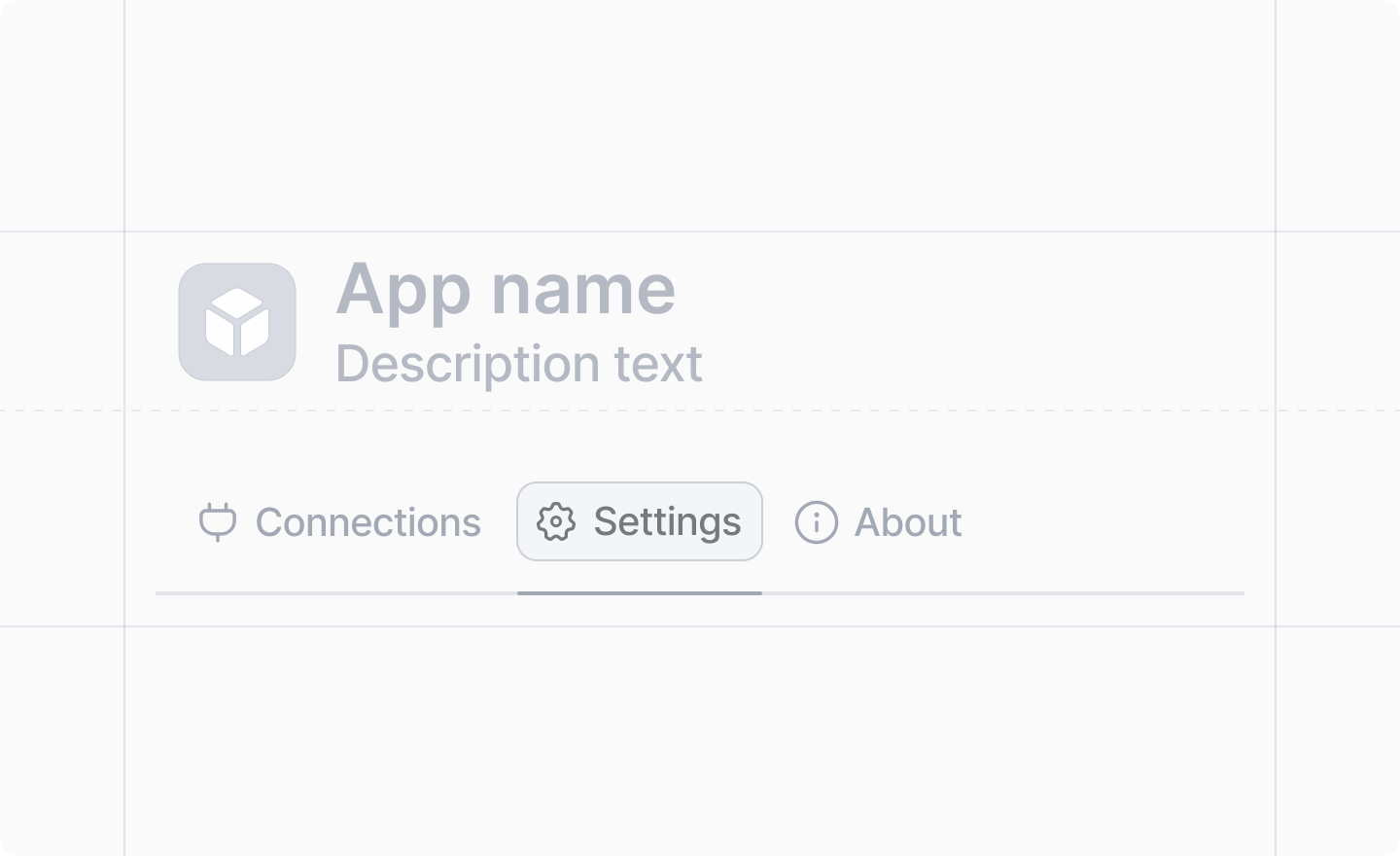
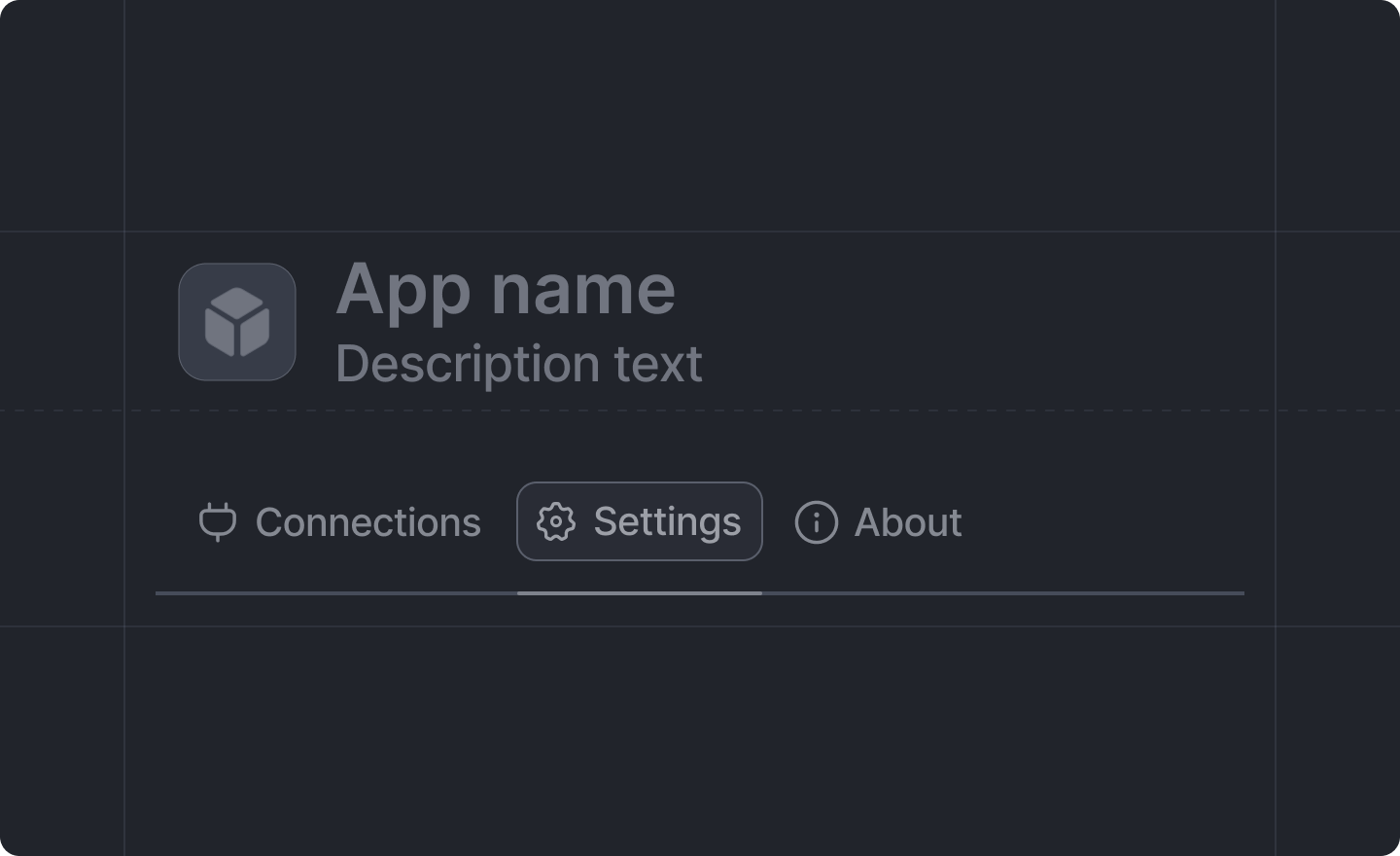
 Workspace settings allow users to configure your app at the workspace level. Settings are displayed in the app’s details page and are automatically saved when users make changes.
Only workspace admins can edit workspace settings. However, all workspace members can view the
settings.
src/app/settings/ and consist of two files:
schema.tsdefault-exports aSettings.defineWorkspaceSchemacall declaring the setting fields and their types.page.tsxdefault-exports aSettings.defineWorkspacePagecall rendering the settings form.
attio/client components next to the settings inputs, with a few exceptions.
Example
First, define your settings schema:src/app/settings/schema.ts
Settings.useForm with the schema to get form components pre-typed against it:
src/app/settings/page.tsx
Reading and writing settings
Every setting value isnull until it has been set. Beyond the settings page itself, your app can access settings anywhere:
Settings.useSettings(schema)- read settings reactively in React components.Settings.getSettings(schema, key?)- read settings from client or server code.Settings.setSettings(schema, key, value)- write a setting from client or server code.
Type safety
The schema provides type safety between your settings definitions and form components. For example:TextInput,AttioUserCombobox, andComboboxcan only reference fields defined asSettings.Schema.string()NumberInputcan only reference fields defined asSettings.Schema.number()ToggleandCheckboxcan only reference fields defined asSettings.Schema.boolean()
Migrating from the legacy settings API
Apps created before the folder-based layout define settings with anapp.settings.ts schema and a Page registered in app.ts. That API is deprecated. Settings cannot be defined both ways at once (doing so is a build error), so migrate settings in one step, either with attio migrate folder-structure or by hand.
Related
- Adding workspace settings guide - step-by-step guide
- Settings form components - available form components