

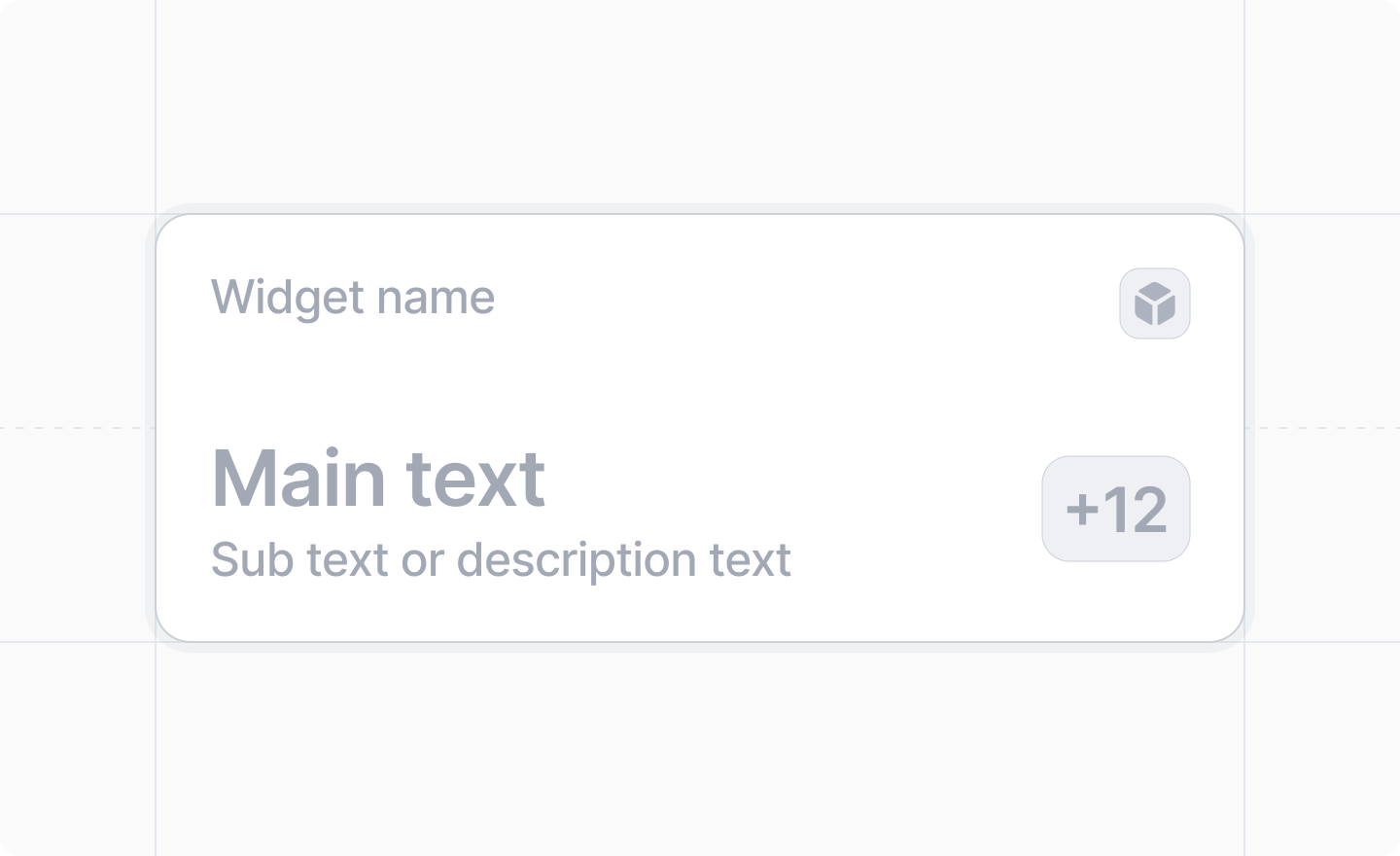
 Add a record widget by creating an extension folder under
 src/app/extensions/ whose extension.tsx default-exports a defineExtension call with type: "record-widget". See App structure for the discovery rules.
Before your record widget will appear on a record page, you will need to go to “Configure page”,
click on “Add Widget”, and select your widget.
Example
The widget component itself can live in a sibling file inside the extension folder:src/app/extensions/company-arr/extension.tsx
src/app/extensions/company-arr/arr-widget-content.tsx
The widget will always display your app’s icon, which you set in the Developer
console.
Arguments
"record-widget"
required
Identifies this extension as a record widget.
string
required
The unique identifier for this widget.It is only used internally; never shown to the user.
string
required
A human-readable label of the widget that will be shown to the user in the widget picker.
string
The base hexadecimal color of the gradient displayed in the background of the widget.
(props: { recordId: string, object: ObjectSlug }) => React.ReactNode
required
A React component that will render the widget.It can suspend while loading data.Must return one of the following components as the root element:
ObjectSlug | Array<ObjectSlug> | (recordInfo) => boolean
A single slug, an array of slugs, or a predicate to select which types of record the record
widget will apply to. The predicate receives
{attributes, object, isStandard} for the record
and returns whether the widget should be shown.Defaults to undefined, which will cause the widget to show on all types of records.The built-in slugs are