

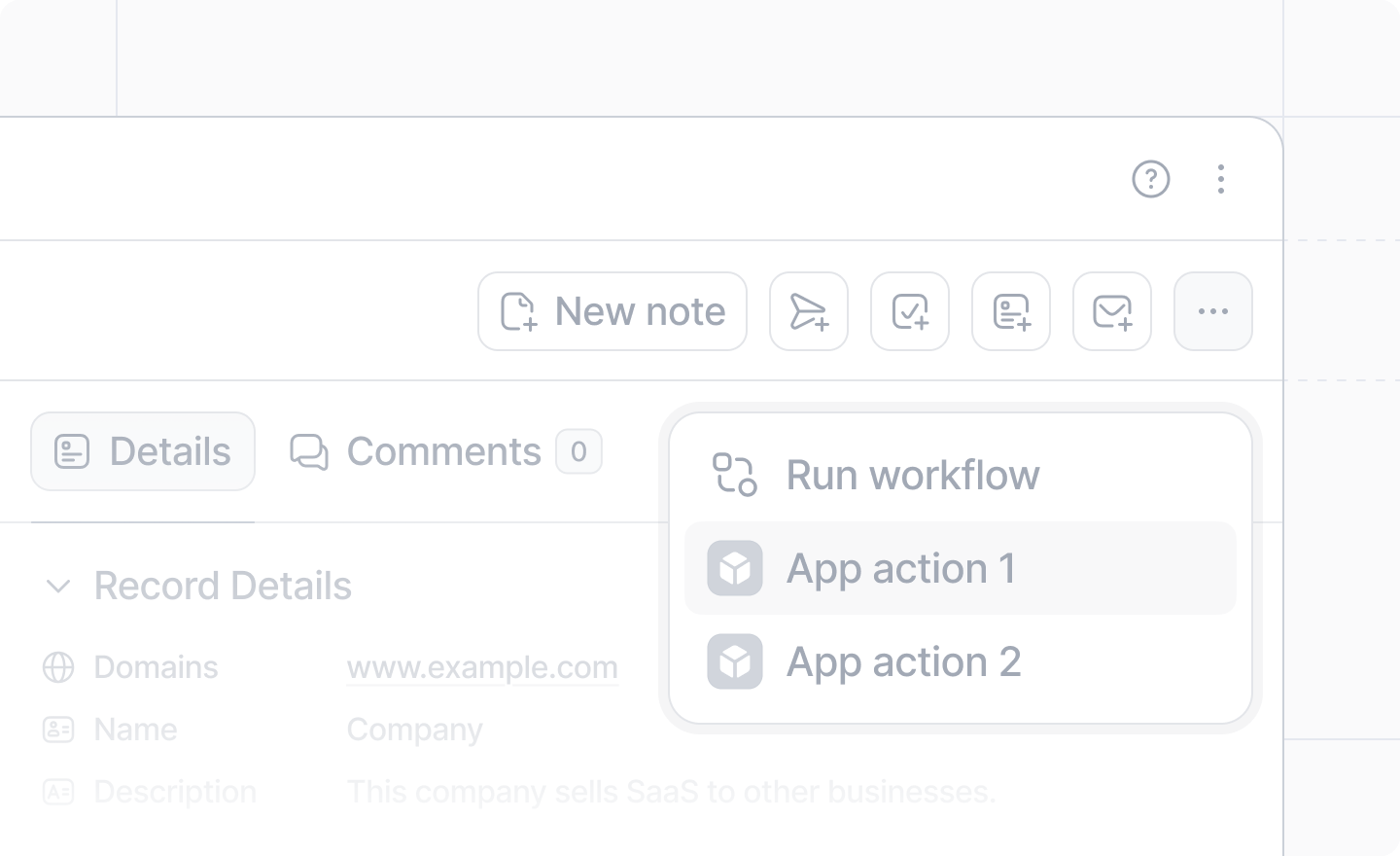
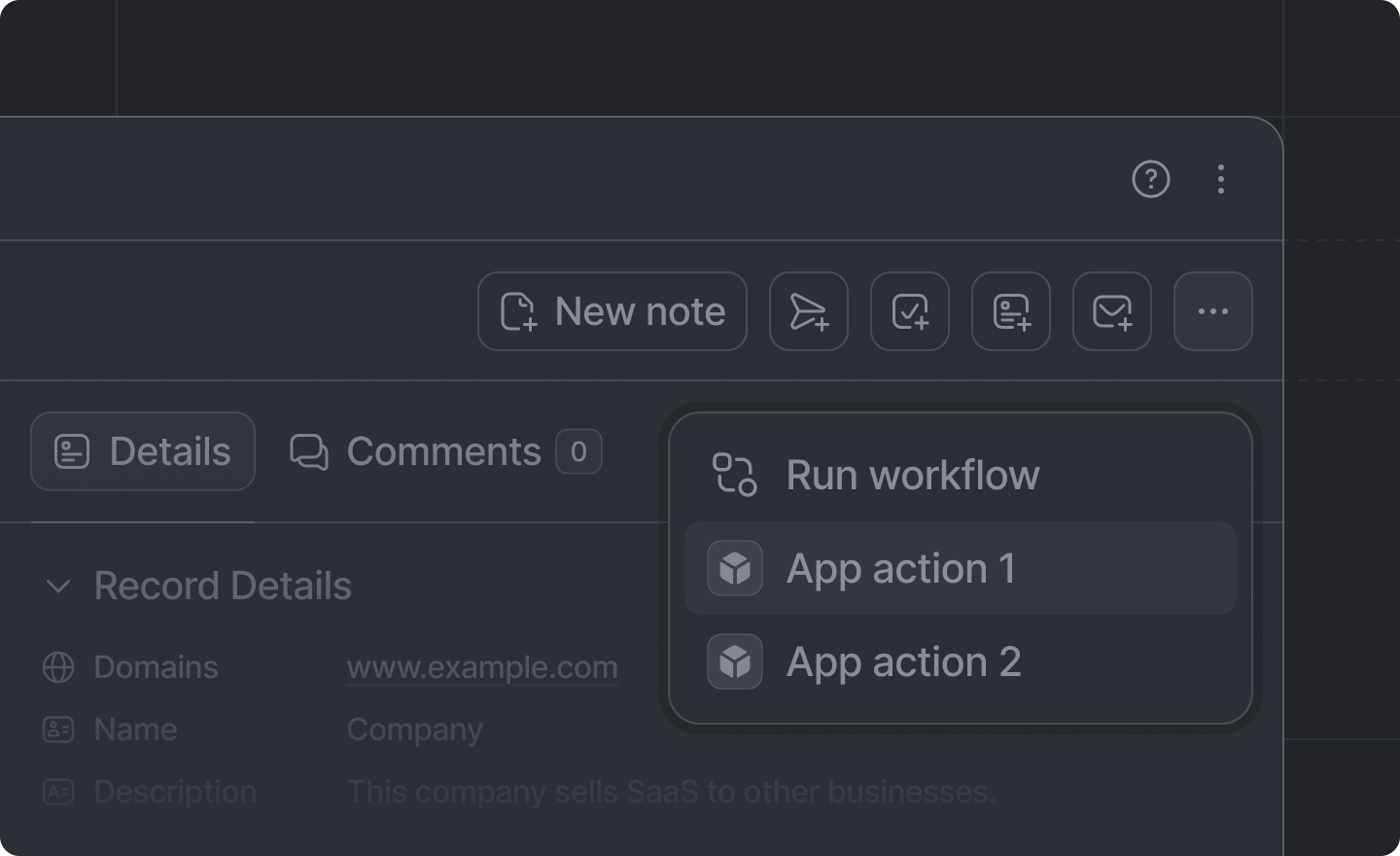
 Record actions are rendered:
- on record pages in Attio
- in the CMD+K quick action palette.
src/app/extensions/ whose extension.tsx default-exports a defineExtension call with type: "record-action". See App structure for the discovery rules.
Example
src/app/extensions/send-invoice/extension.tsx
Arguments
"record-action"
required
Identifies this extension as a record action.
string
required
The unique identifier for this action.It is only used internally; never shown to the user.
string
required
The human-readable label for the record action.
async ({ recordId: string, object: ObjectSlug }) => Promise<void>
The function to run when the action is triggered. It receives the
recordId of the record it
was triggered on and the record’s object slug. You’ll likely want to
show a dialog or run a server function
here.ObjectSlug | Array<ObjectSlug> | (recordInfo) => boolean
A single slug, an array of slugs, or a predicate to select which types of record the record
action will apply to. The predicate receives
{attributes, object, isStandard} for the record
and returns whether the action should be shown.Defaults to undefined, which will cause the action to show on all types of records.The built-in slugs are