

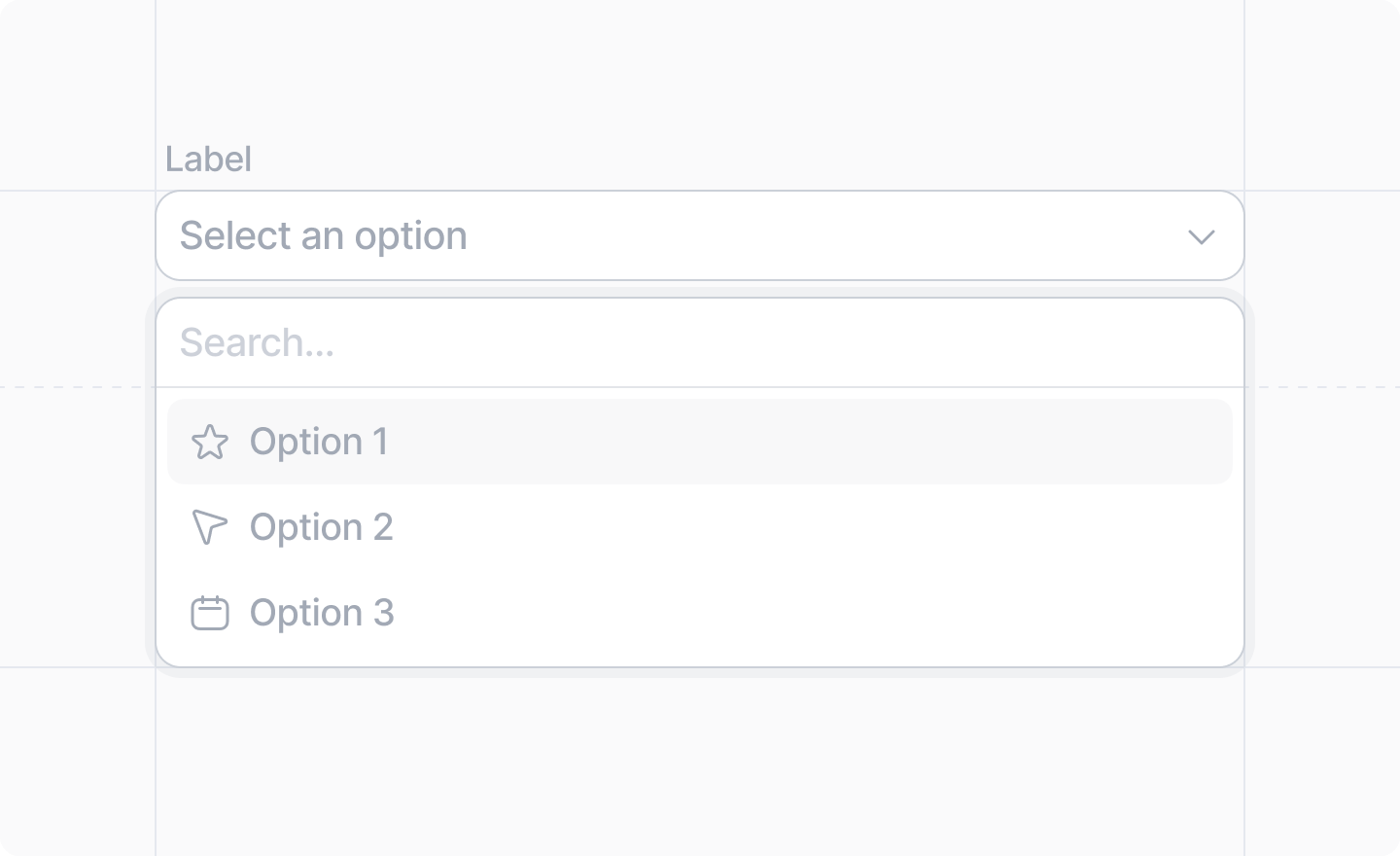
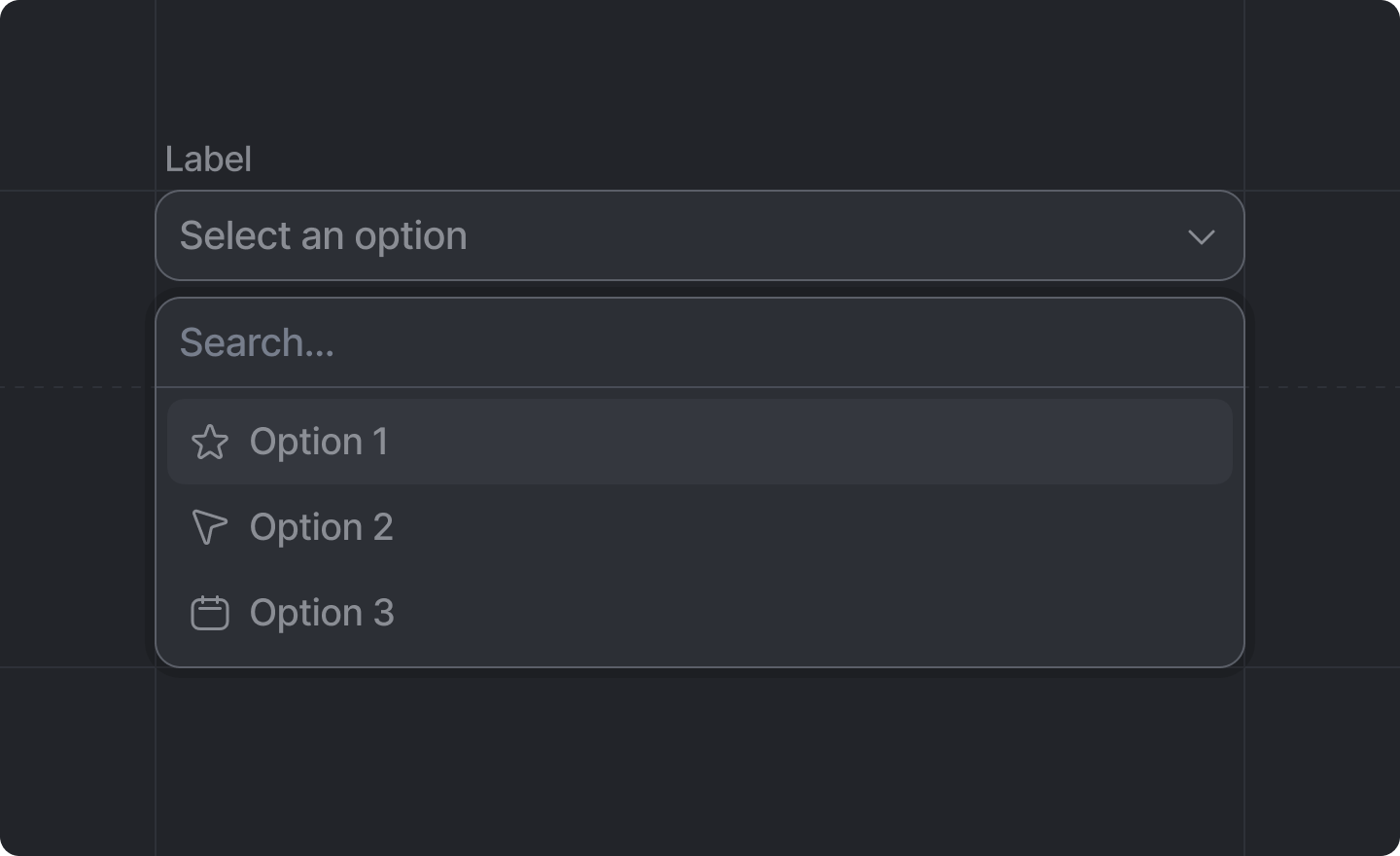
This component is returned by
Settings.useForm().Example: Pre-defined options
src/app/settings/page.tsx
Example: Asynchronously loaded options
github-user-schema.ts
fetch() from the client, we need to define server functions
to talk to the third party API.
get-github-user.server.ts
search-github-users.server.ts
github-options-provider.ts
<Combobox />.
src/app/settings/page.tsx
Props
string
required
The label of the combobox field.
string
required
The key of the
string value of the input field in your settings schema.e.g. "sync_frequency"Array<ComboboxOption> | ComboboxOptionsProvider
required
Either an array of ComboboxOptions, or a
ComboboxOptionsProvider to load them.
string
An optional placeholder text for your input.
boolean
Whether or not the field should be disabled.
ComboboxOption
An object containing:string
required
The value that will be saved into your form data when this option is selected.
string
required
The label the user will see for this option
string
An optional description the user will see for this option
string
An optional avatar to display for this option
string
An optional CSS color for the option. It will be displayed in a little circle next to the label.
Combobox Option Decorations
The priority of decorations goes:- Avatar
- Color
- Icon
CategorizedComboboxOption
An object that extendsComboboxOption and also includes:
string
A category label to display this option under
ComboboxOptionsProvider
An object containing:(value: string) => Promise<Omit<ComboboxOption, 'value'>>
An async function that, given an option value, fetches the rest of the
ComboboxOption.(query: string) => Promise<ComboboxOption[] | CategorizedComboboxOption[]>
An async function that, given a search query, fetches an array of “matching”
ComboboxOptions.What “matching” means is up to the developer.